
The induction cooktop won’t turn on directly disrupts cooking, causing users to worry about the durability of the device. In fact, this error can stem from the smallest usage habits or from the smart protection mechanisms of the circuit board being activated to ensure safety. The following article will analyze common causes and guide you on how to address the issue scientifically.
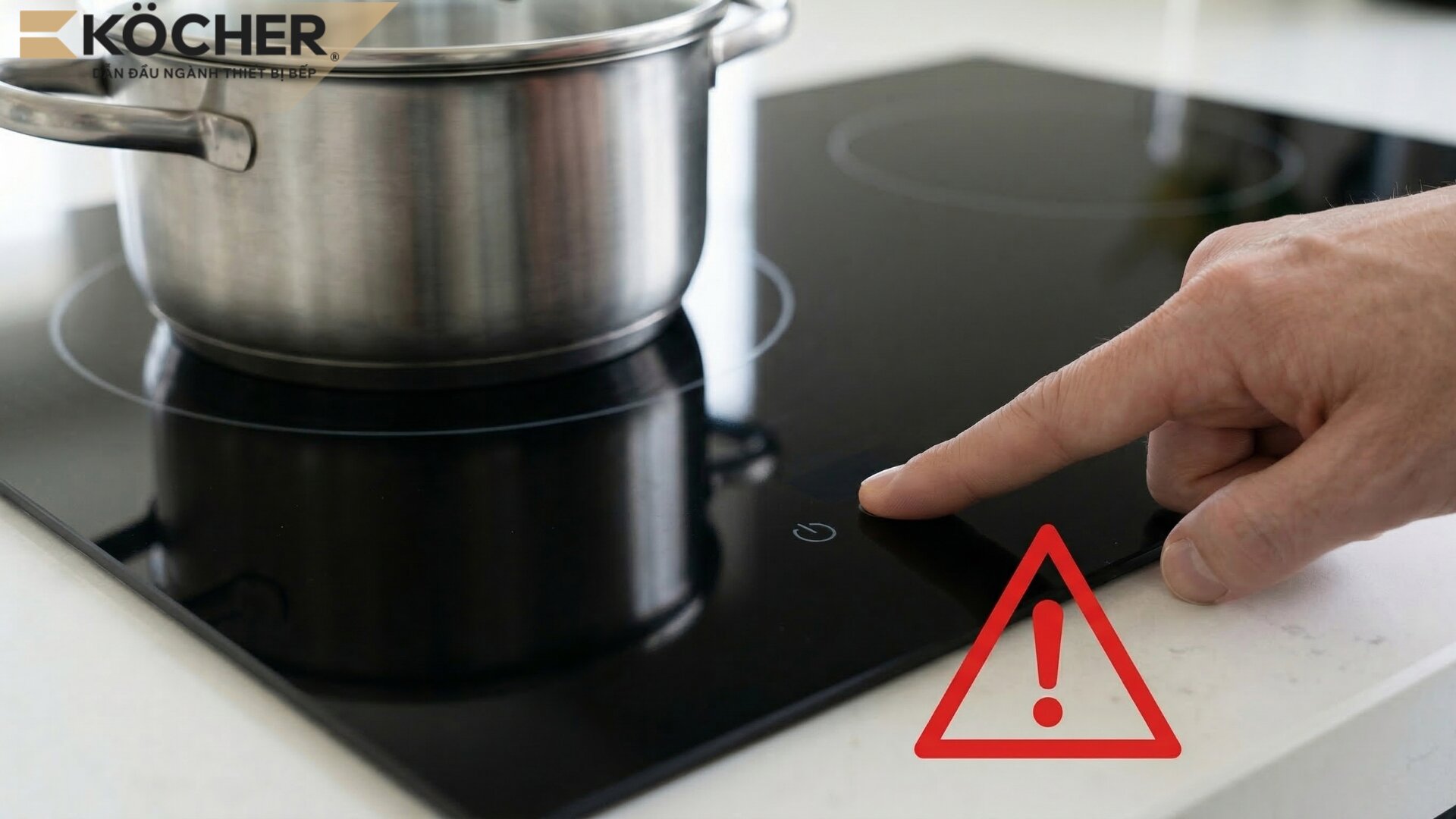
7 reasons why the induction cooktop won’t turn on
The induction cooktop not turning on is often due to common reasons such as the child lock being activated, wet/dirty hands or cooktop surface, a faulty control panel, or unstable power supply… Specifically:
Incompatible cookware
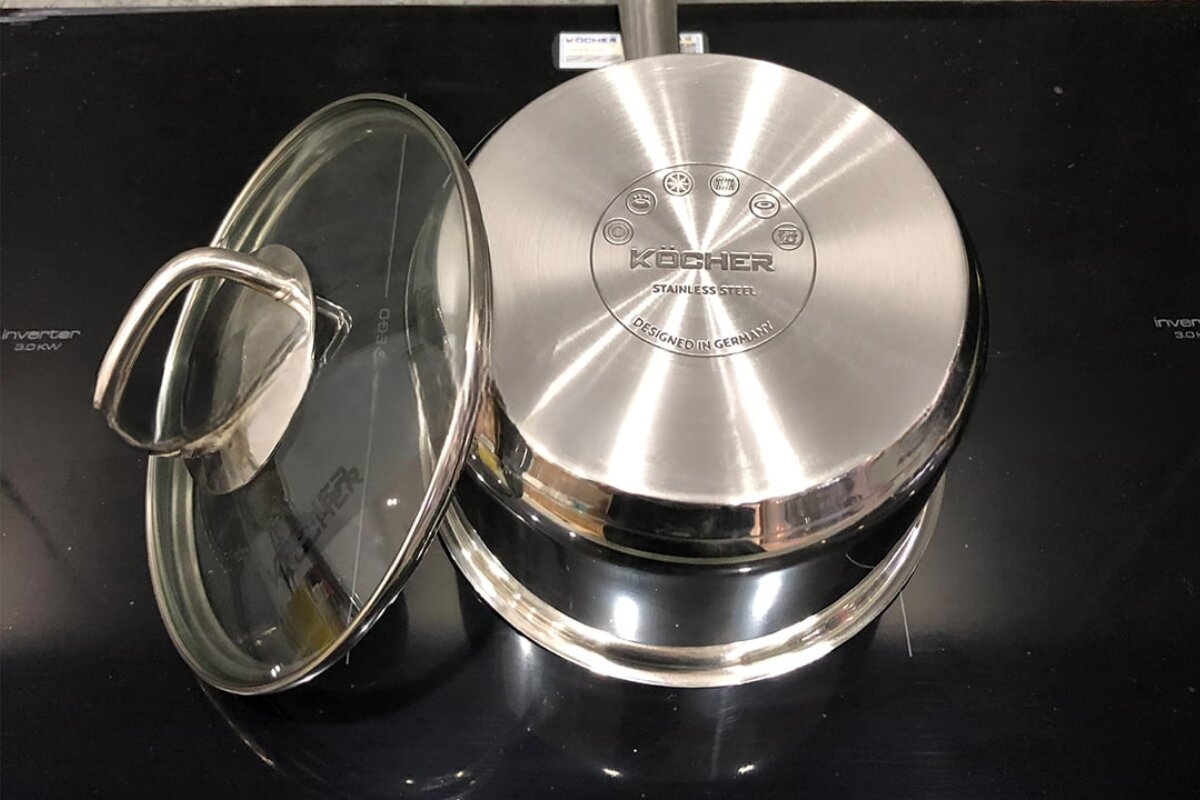
The induction cooktop operates based on the principle of electromagnetic induction; if the bottom of the pot is not magnetic, the cooktop will not recognize it and will not heat.
- Signs: The cooktop powers on, but when selecting the cooking zone, the display flashes an error code (usually E0) accompanied by a continuous beeping sound and does not generate heat. This phenomenon of the protection system refusing to supply power is also the common error of the induction cooktop not recognizing the pot found in many current device lines.
- Cause: Users are using cookware made of glass, ceramic, clay, or aluminum pots without a magnetic base, causing the sensor system to not recognize the item. Additionally, if the bottom of the pot is too small (less than 12 cm), the cooktop will also not recognize the pot.
The control panel is locked, wet, or has an object on top
Most modern cooktops use highly sensitive capacitive touch technology to recognize user actions.
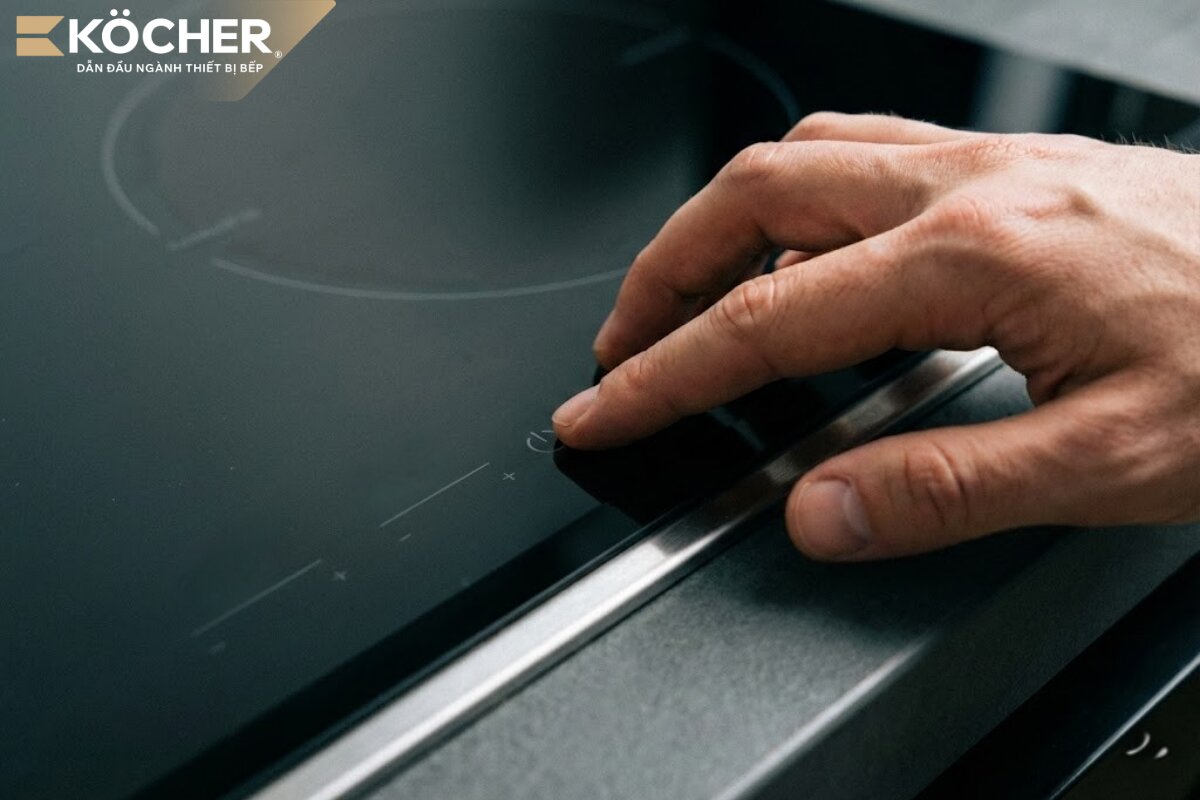
- Signs: The buttons on the glass surface do not respond or respond inaccurately when the user touches them.
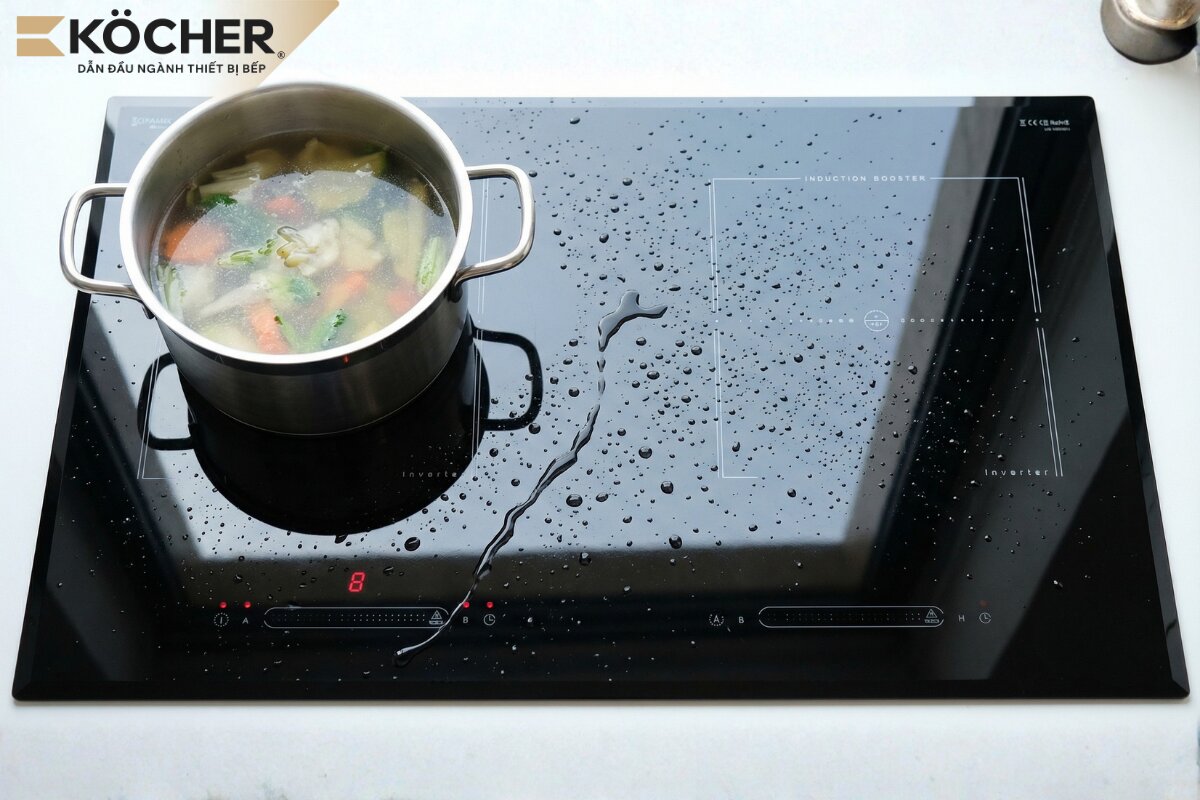
- Cause: The control panel is locked (due to the safety lock feature), is covered in water or grease, or has objects like a cloth or pot lid placed on the touch area causing the cooktop to misinterpret signals.
User’s hands are wet
This is a less noticed cause but occurs very frequently in the kitchen.
- Signs: Pressing the power button continuously does not work, but when drying hands, the cooktop operates normally immediately.
- Cause: When the user’s hands are wet, the layer of water alters the dielectric constant at the capacitive touch surface, causing the touch IC not to recognize it, leading to signal interference, preventing the cooktop from receiving commands when the user presses the button.
Child Lock is activated
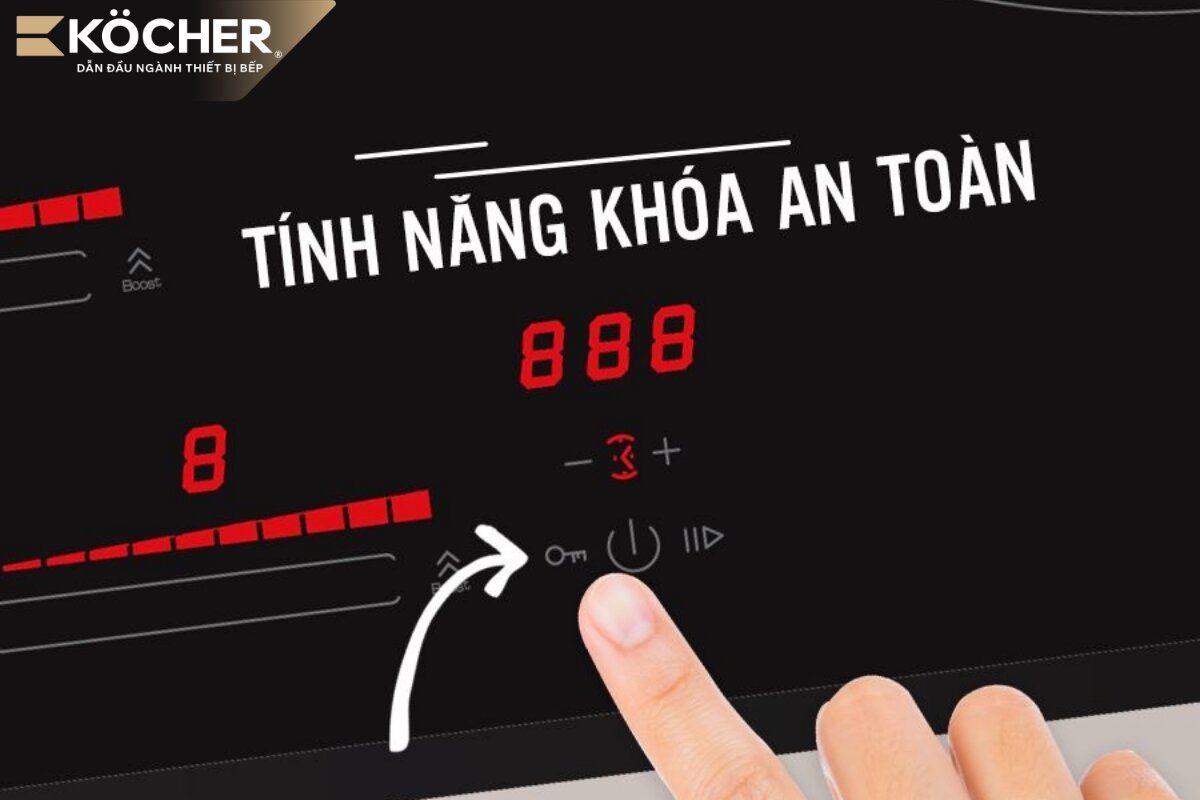
The Child Lock on the induction cooktop is a smart feature that temporarily disables the entire touch control panel. Many users accidentally activate this function without realizing it, leading to an inability to use the cooktop.
- Signs: The cooktop has power, the display shows a lock icon, but cannot turn on or adjust any functions.
- Cause: The user accidentally held the lock button, causing the safety lock feature to activate, or the user activated the feature and forgot to turn it off before starting to use the cooktop.
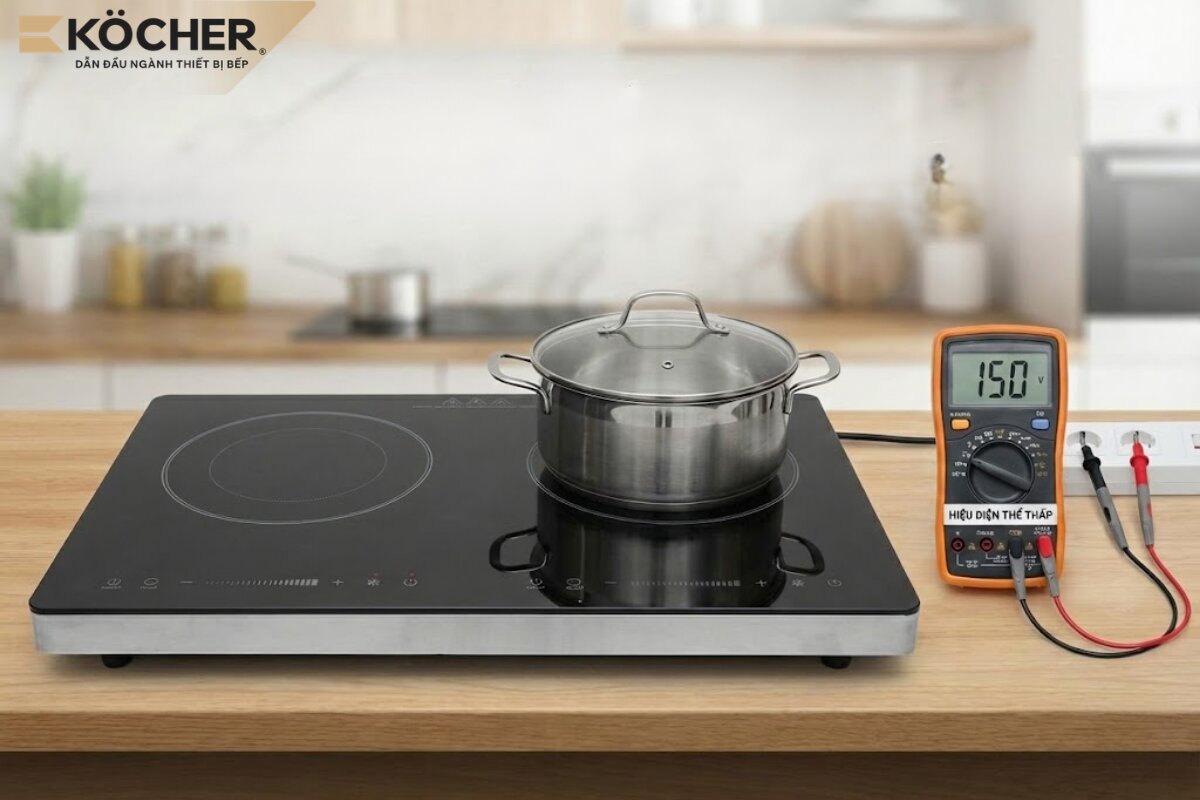
Unstable or weak power supply
The induction cooktop is a high power-consuming device, so a weak or unstable power supply is one of the most common reasons why the induction cooktop won’t turn on.
- Signs: The cooktop does not light up or if it is cooking, it turns off by itself and cannot be turned back on immediately.
- Cause: Household voltage drops low (below 170 – 185V) during peak hours, loose plug, insufficient power supply wire, or using multiple high-power devices simultaneously leading to local voltage drops.
Note: To know the appropriate voltage range for your induction cooktop, you should check directly in the user manual or the technical specifications label of the device.
Cooktop overheating
The induction cooktop is equipped with an integrated temperature sensor as an automatic protection mechanism; when the internal temperature exceeds the safe threshold, the cooktop will automatically shut off and cannot be restarted until it cools down.
- Signs: The cooktop suddenly stops working while cooking at high power, the display shows error E1 (overheating error), the cooling fan is still running, but the control panel cannot be operated.
- Cause: Continuous cooking for too long at high power or blocked ventilation slots causing heat to accumulate at the copper plate and IGBT components exceeding the safe temperature threshold set by the manufacturer.
Internal components are damaged (circuit board or power button)
The natural aging of electronic components or the impact of a humid environment can cause hard-to-detect malfunctions inside the cooktop.
- Signs: The cooktop loses power completely, a small popping sound or burnt smell emanates from inside the cooktop when plugged in. For double cooktops or multi-zone cooktops, the phenomenon of one side of the induction cooktop not receiving power is a sign that the power IC of the control board or the relay for that cooking zone has short-circuited.
- Cause: Short-circuited capacitors, damaged power IC, broken circuit board due to oxidation or intrusion by insects causing short circuits on the control board. Additionally, a worn power button or damage to the touch layer beneath the glass surface can also prevent the cooktop from turning on.
5-step guide to check and troubleshoot the induction cooktop not powering on
When encountering the situation where the induction cooktop does not power on, do not rush to disassemble the cooktop or take it for warranty; follow the 5-step check below to troubleshoot at home.
- Step 1 – Unlock: Observe the display to see if there is a lock icon or the letter “L” (Lock). If there is, touch and hold the lock button for about 3 – 5 seconds until a “beep” sound is heard, indicating that the control panel has been unlocked.
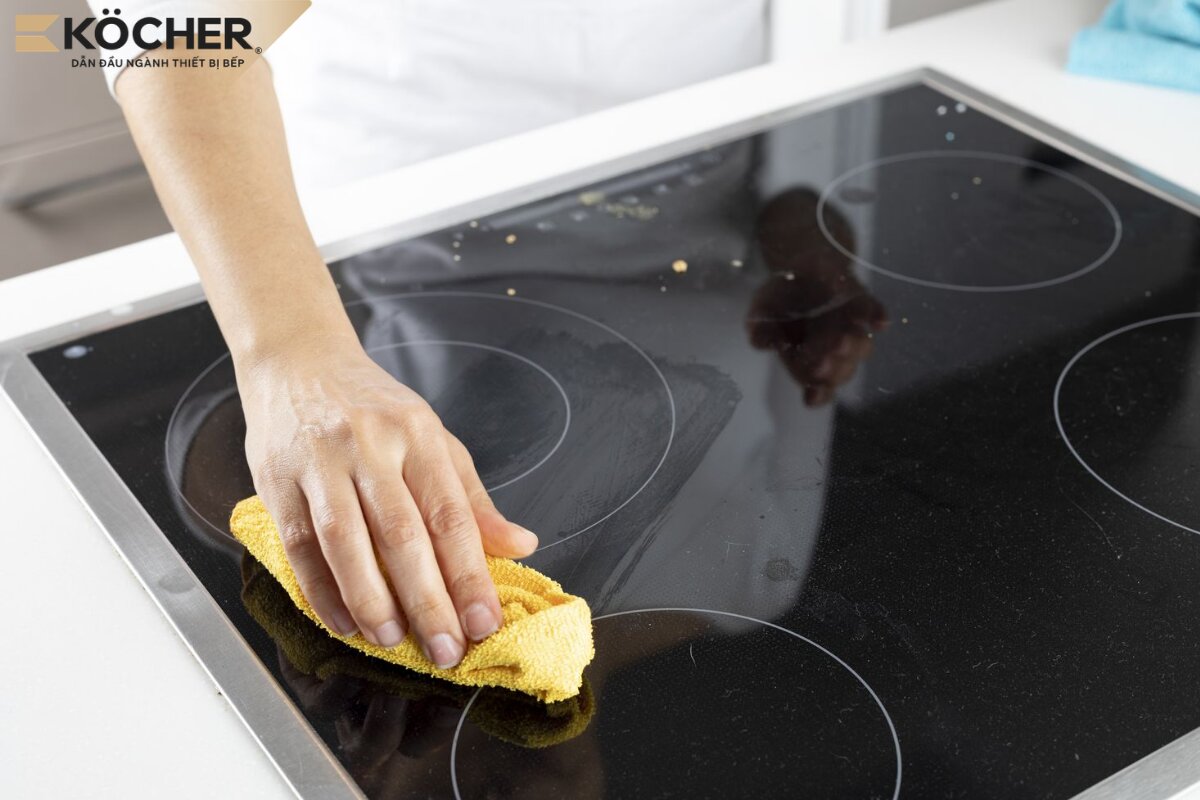
- Step 2 – Dry and clean: Use a soft, dry cloth to clean the glass surface, especially the touch keyboard area, ensuring there are no water streaks or food residues causing signal interference.
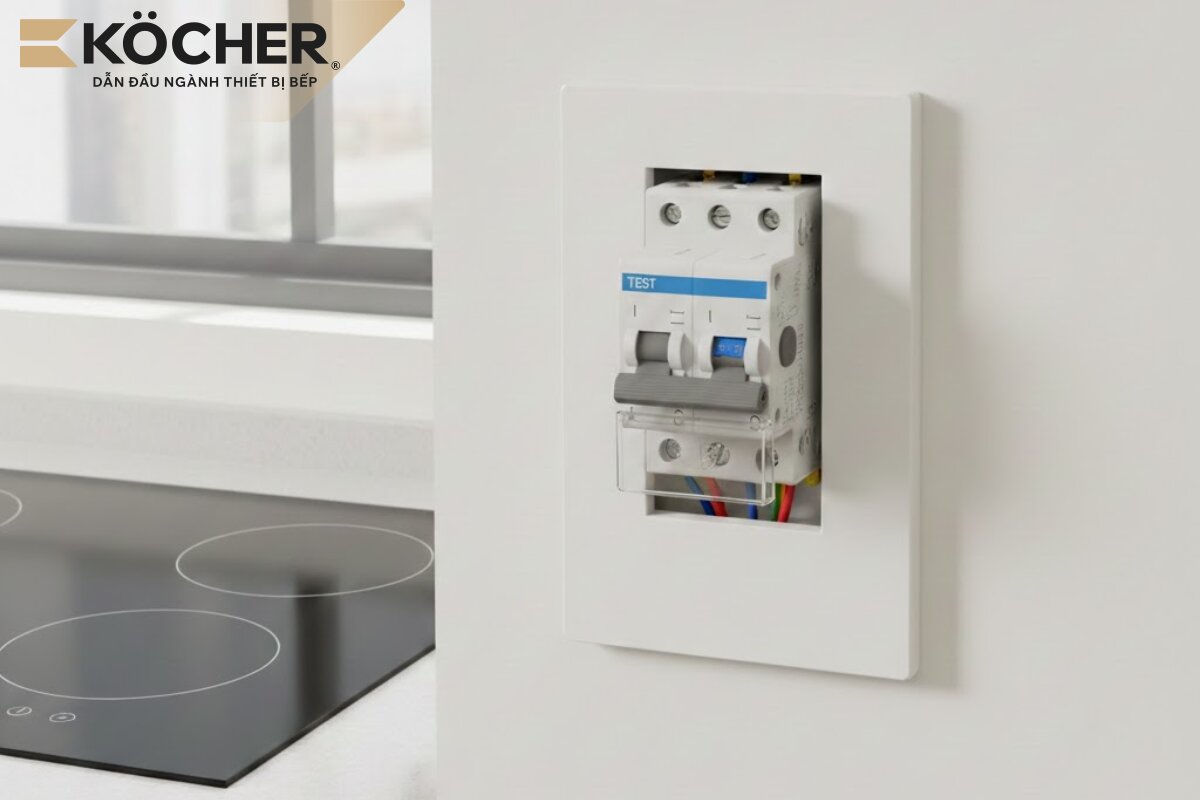
- Step 3 – Check the power supply: Check the plug or circuit breaker for the cooktop. If your area frequently experiences unstable voltage, equipping an additional voltage stabilizer is necessary to protect the circuit board.
- Step 4 – Place the correct pot: Try replacing it with a pot specifically designed for induction cooktops; use a magnet to test the bottom of the pot; if the magnet sticks tightly, it is a pot with good magnetic properties.
- Step 5 – Turn off and restart: In case of overheating errors, disconnect the cooktop’s power for about 15 – 20 minutes. Once the cooktop has completely cooled down, plug it back in or turn on the circuit breaker and try to turn it on again.
- If after completing the above steps the cooktop still does not turn on, it may be due to internal components being damaged. You should contact the warranty center for repair and replacement of genuine components.
5 usage tips to minimize the induction cooktop not turning on
Following the tips below will help your induction cooktop operate reliably, encounter fewer errors, and significantly extend its lifespan:
- Use a dedicated circuit breaker for the cooktop: Do not plug the cooktop together with other high-power devices such as microwaves or kettles into the same outlet. Install a dedicated circuit breaker to ensure a stable current when in use.
- Do not cut off the power immediately after cooking: After turning off the cooktop, the cooling fan will still operate to cool the components. Abruptly cutting off the power will cause heat to accumulate, easily damaging sensitive internal components.
- Regularly clean the cooktop with specialized solutions: After each cooking session, use a soft damp cloth to clean the glass surface and control panel after the cooktop has cooled down. Additionally, cleaning the ventilation slots and cooling fan every 3 – 6 months will help the cooling system operate more effectively.
- Use suitable cookware: Prioritize pots with a 430 stainless steel or cast iron base, with thick and flat bottoms to increase contact area, optimizing heat transfer efficiency, and avoiding the cooktop not recognizing the pot.
- Place the cooktop in a well-ventilated area, avoiding humidity: The induction cooktop needs a minimum clearance of 5cm from surrounding walls for the cooling fan to operate effectively. Do not place the cooktop right next to the sink, avoiding steam and water splashing onto the control panel, as prolonged moisture is a leading cause of damage to the touch layer and circuit board.
Frequently asked questions when the induction cooktop won’t turn on
Why does the induction cooktop suddenly turn off while cooking and cannot be turned back on?
This case is often due to the cooktop overheating. When the temperature sensor detects that the internal temperature exceeds the safe threshold, the cooktop will completely shut off to protect the circuit board. You should let the cooktop rest for about 15 – 20 minutes and then try again. If this situation occurs frequently, check the cooling fan for dust blockage and ensure the cooktop is placed in a well-ventilated area.
Does a non-powering cooktop mean the glass surface is damaged?
The glass surface of the induction cooktop only serves as the cooking surface and does not directly relate to the control circuit. The cooktop can still operate even if the glass surface is slightly scratched. However, if the glass surface is cracked, broken, or has deep fissures, water may seep inside and damage the circuit board, causing the induction cooktop to malfunction and not turn on.
Why does the induction cooktop beep continuously?
The induction cooktop beeping continuously is usually a safety alert signal when encountering issues, most commonly: incompatible cookware/wrong position, dirty/wet cooktop surface, temperature sensor error, unstable power supply, or the preset cooking cycle has ended. At this point, users need to check and proceed to turn off the timer mode of the induction cooktop to silence the alert sound. If the beeping persists during normal cooking, it may be due to internal component failure, and you need to contact the warranty center for repair or replacement of genuine components.
Why does the control panel remain lit but pressing the power button has no response?
The control panel remaining lit but pressing the power button has no response is often due to the glass surface being wet/dirty, the safety lock feature being activated, or the power button being damaged after prolonged use. Additionally, a faulty control board or touch IC can also prevent the cooktop from receiving commands even though it has power. You should dry the surface thoroughly, check the lock mode, and if it still does not work, contact the warranty center to check the internal components.
Understanding the causes of the induction cooktop not turning on not only helps you address issues immediately but also optimizes the protection of the circuit board and copper plate over time. We hope the technical analyses and the checking steps in this article have provided you with practical solutions to maintain stable operational performance and ensure safety when using the device.
If you are concerned about the induction cooktop malfunctioning and not turning on, please refer to Köcher products. With a foundation of German-standard components, especially the thick heat dissipation fan and heat sink, Köcher induction cooktops operate stably, minimizing the risk of not turning on.
|
Köcher induction cooktops pioneer German technology – For detailed product information, please contact:
|