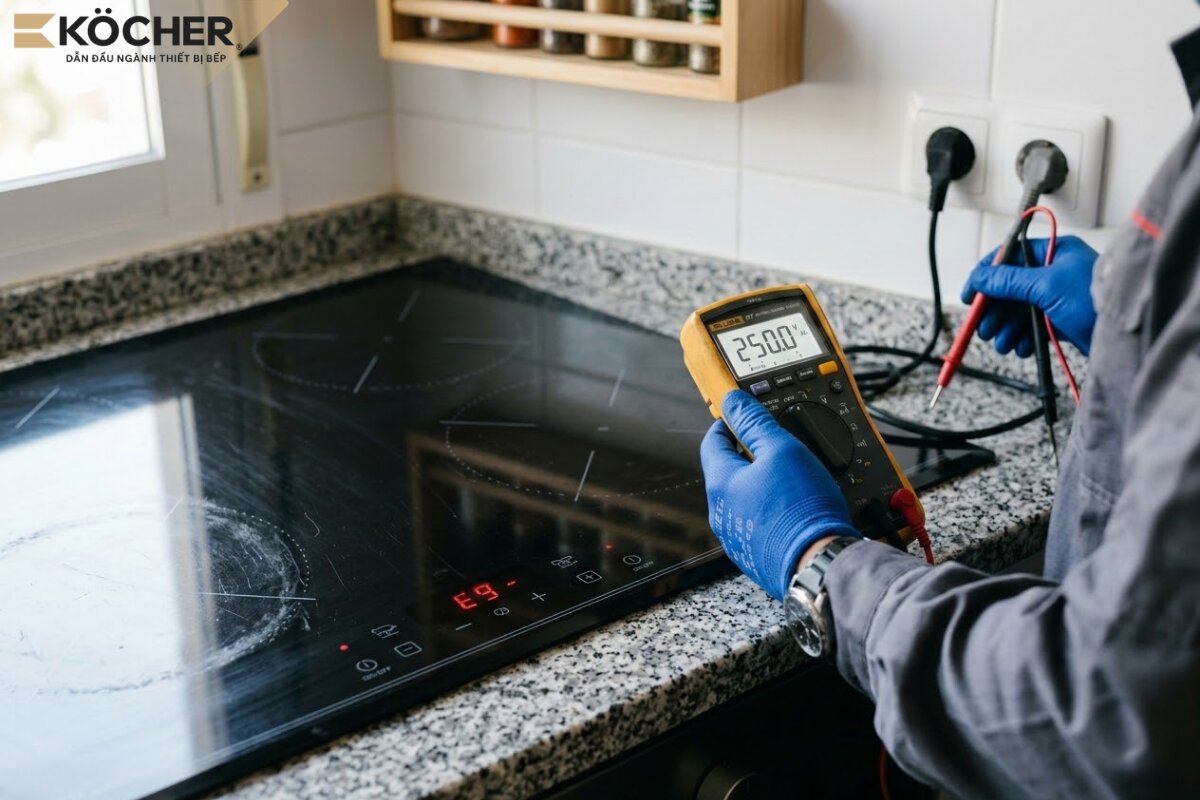
E9 error on induction cooktop is one of the technical issues that directly disrupts the cooking process. Unlike common error codes related to pots or temperature, E9 usually pertains to the internal communication system or the control panel of the device. This article will help you understand the nature of the E9 error, identify the exact cause, and find the quickest solution to avoid interrupting family meals.
What is E9 error on induction cooktop?
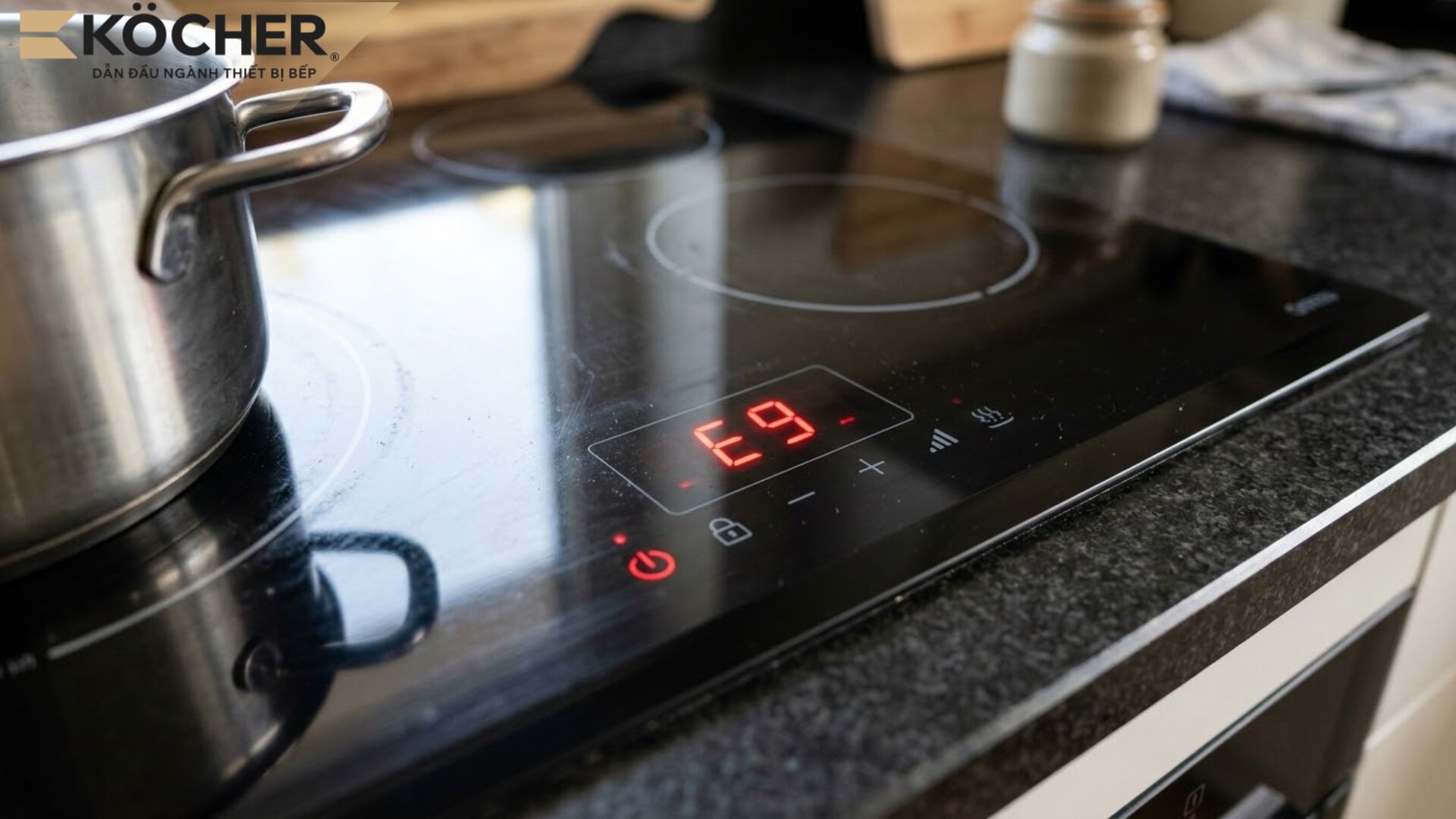
E9 error is usually a warning code when the touch system or control panel encounters a problem (unable to recognize user actions or the buttons are “frozen”). When this code appears, the cooktop will automatically lock all functions to prevent erratic button presses, ensuring safety for users and sensitive electronic components inside.
However, you need to note that the E9 code is not uniform across all cooktop brands on the market, which can easily cause confusion when looking it up:
- Touch surface group: For European cooktops, E9 mainly indicates an error in the display circuit board or the touch buttons being damp, wet, or obstructed.
- Temperature sensor group: In some cooktops like Panasonic, Sunhouse, or Kangaroo, while E3 code often relates to voltage, E9 error may warn about the temperature sensor at the bottom of the pot or a connection error between the power board and the control board.
5 common causes of E9 error on induction cooktop
Control panel is damp or wet
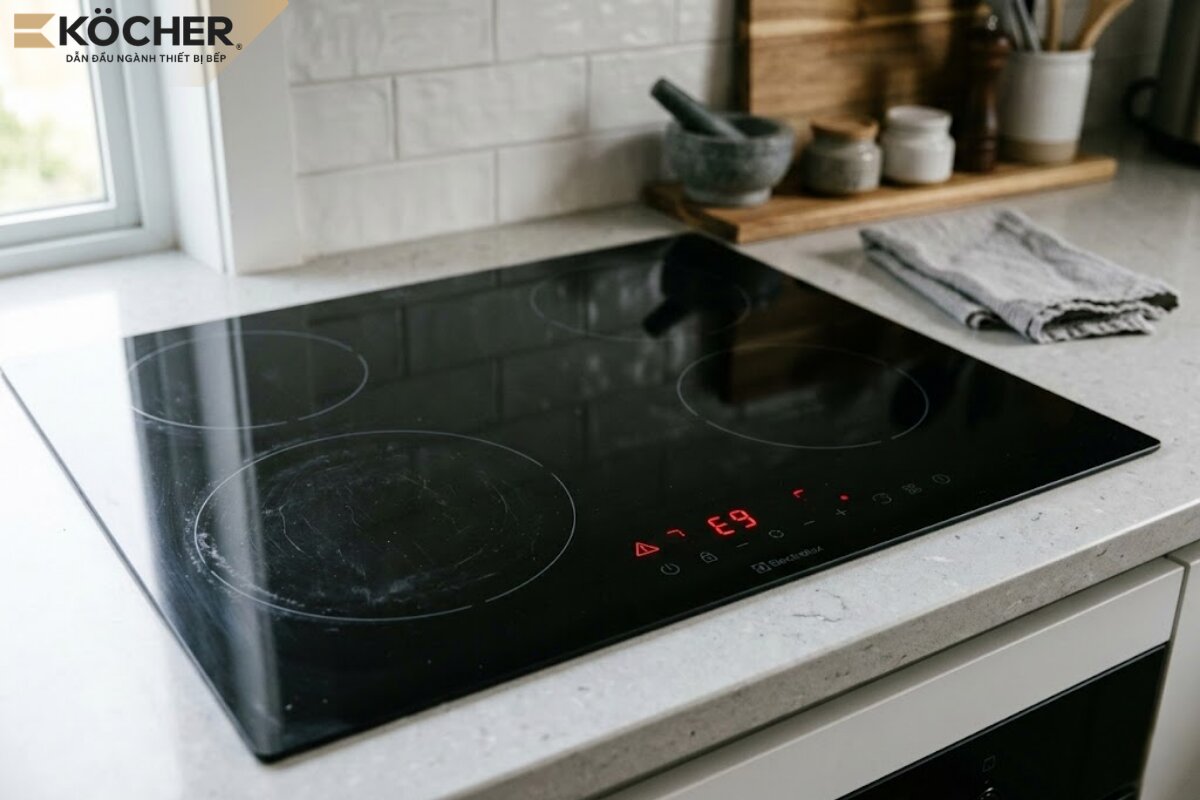
- Cause: Due to cooking processes causing food to spill onto the button area, or steam accumulating in a high humidity kitchen environment seeping into the glass surface and control circuit.
- Error mechanism: The capacitive touch system operates based on changes in the electric field when a person’s hand touches it. When water or humidity covers it, the dielectric constant in that area changes suddenly, causing erratic touch phenomena. The microprocessor continuously detects noisy signals and activates the E9 error to pause operation.
Loss of connection between circuit boards
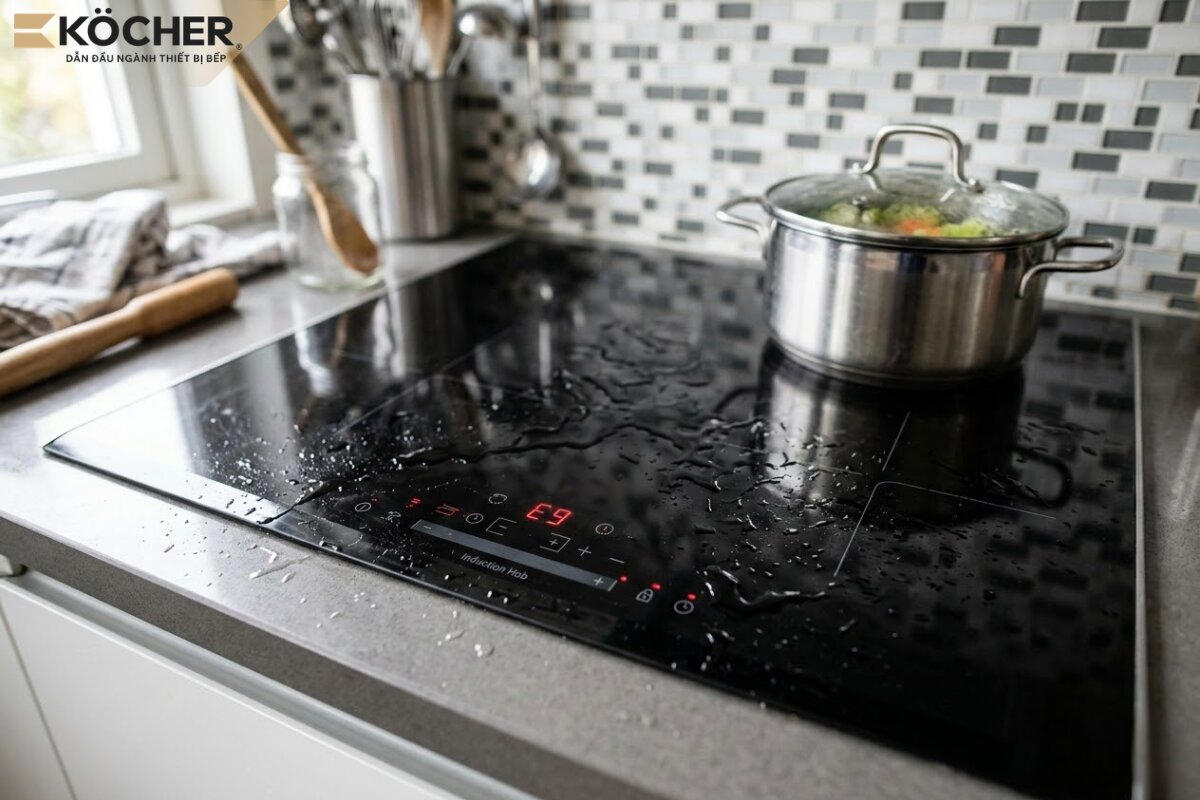
- Cause: The signal cable connecting the power board and the display board is loose, the connector pins are oxidized due to temperature/humidity, or insects (such as cockroaches, ants) have invaded and damaged them.
- Error mechanism: When the transmission is interrupted, the control board does not receive status confirmation from the power board, the system will completely disconnect and report E9 communication error.
Faulty components or temperature sensors
- Cause: The temperature sensor is broken, short-circuited, or components on the power board malfunction after prolonged use.
- Error mechanism: The temperature sensor is responsible for sending resistance signals back to the system to monitor the temperature of the induction coil. If the temperature sensor is inaccurate or faulty, the system will not be able to control the temperature at the copper coil, leading to the activation of E9 code to protect the power components from overheating.
Unstable power supply
- Cause: The household power supply is unstable, frequently experiencing electric shocks or sudden voltage drops due to using many high-power devices at the same time.
- Error mechanism: When the input power fluctuates too quickly, the voltage to the microprocessors drops or experiences high-frequency noise, causing the system to operate incorrectly and display E9 code.
Incompatible cooking utensils
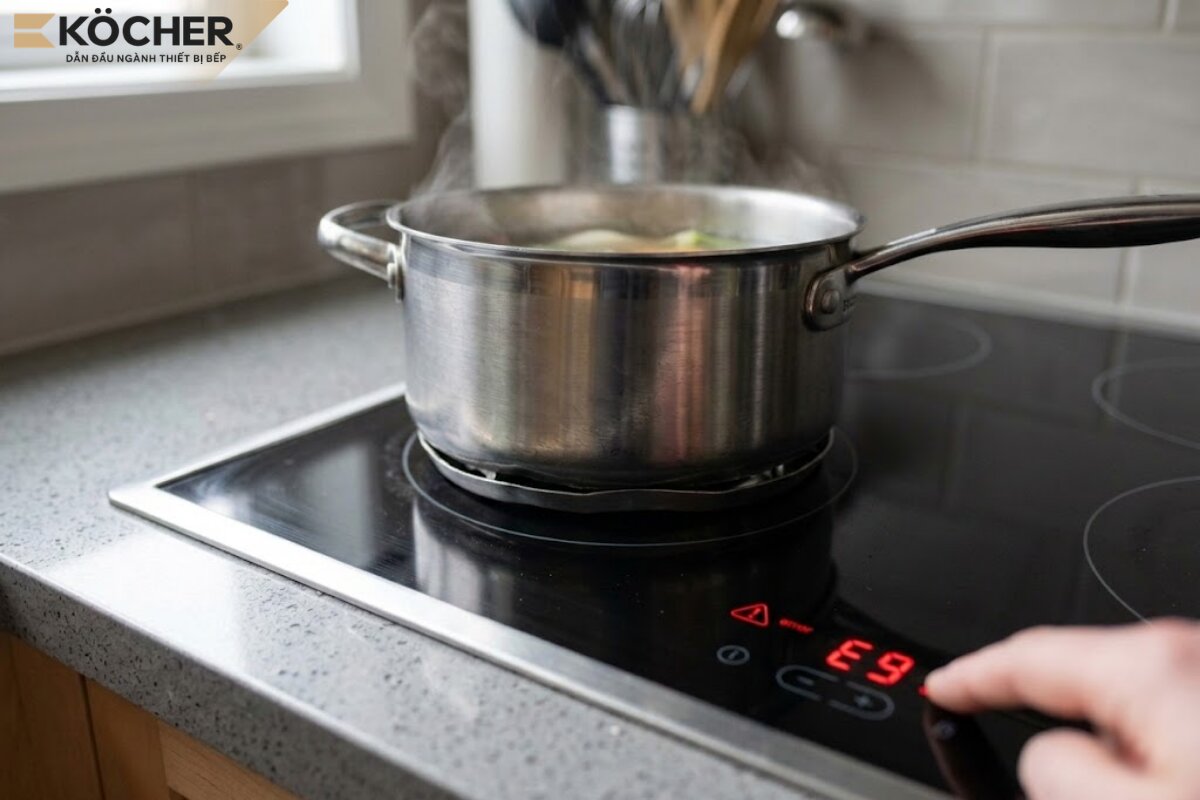
- Cause: Using pots with a very thin bottom, warped bottoms, or poor magnetic materials.
- Error mechanism: The temperature at the bottom of the pot concentrates too quickly and unevenly, causing the temperature sensor to record an abnormal increase in temperature. If this change exceeds the processing speed allowed by the control software, the cooktop will identify this as a system error and display E9 code.
How to quickly and effectively fix E9 error on induction cooktop
When encountering this error code, you should remain calm and perform the following technical checks:
- Turn off the cooktop and temporarily disconnect: Press the power button on the cooktop, but do not disconnect the power supply immediately. Allow the cooling fan to continue running for an additional 5 – 10 minutes to cool the components.
- Check ventilation: Ensure that the air intake and exhaust vents under the cooktop are not obstructed by plastic bags, fabrics, or items in the kitchen drawer.
- Clean the fan system: If the fan is spinning slowly or making loud noises, use a mini vacuum cleaner or a soft brush to clean the dust on the fan blades.
- Check the cooking pot: Try switching to a set of pots with a thick, flat bottom and good magnetic properties to see if the error code still appears.
- Restart: After the cooktop has completely cooled down (about 15 – 20 minutes), turn it on and try again at medium power.
If you have performed the above steps and the cooktop still reports an error, this may be an issue related to the circuit board. At this point, you need to contact a reputable warranty center for technicians to repair or replace the components.

Important notes to minimize E9 error on induction cooktop
To ensure the induction cooktop operates reliably and minimize E9 errors, users should pay attention to the following notes when using the device:
- Choose a well-ventilated installation location: Avoid installing the cooktop too close to walls or in a very tight cabinet. The space under the cooktop needs to have at least 10cm of clearance for the cooling fan to circulate air properly, preventing high temperatures from deforming the signal connectors.
- Use a power protection device: It is advisable to install an additional circuit breaker or voltage stabilizer. Users can learn more about articles sharing Experience choosing a circuit breaker for induction cooktops to install the appropriate circuit breaker for the current load, as an unstable power supply can cause not only E3 errors (voltage) but also easily damage the communication IC.
- Avoid cooking at maximum power for too long: You should only use the Booster mode and the highest power level for a maximum of 10 minutes, after which use medium levels (levels 5 – 6) to maintain a boiling state, ensuring food cooks evenly from the inside out and protecting the lifespan of the induction cooktop.
- Regular cleaning every 3 – 6 months: Use a mini vacuum cleaner or soft brush and specialized cleaning solution to clean the cooling system to ensure efficient operation and minimize the risk of errors.
- Avoid placing heavy or sharp objects near the button area: Avoid placing sharp objects like knives, scissors, and heavy items on the induction cooktop, especially on the control panel area to protect the glass surface and the underlying system from physical impacts that could distort signals.
Frequently asked questions when induction cooktop reports E9 error
Below is a compilation of answers to common user questions when encountering E9 error on induction cooktops:
Does E9 error pose a danger or risk of fire?
E9 error is essentially a safety protection signal designed to prevent danger rather than directly causing fire. However, if you attempt to restart multiple times while the cooktop is malfunctioning, or arbitrarily disconnect protective components, this could completely damage the safety system, leading to the risk of electrical short circuits in the household.
What is the cost of repairing E9 error due to faulty components?
The cost of repairing an induction cooktop reporting E9 error (usually due to faulty power circuits, sensors, or control boards) ranges from 300,000 VND to 2,500,000 VND depending on the type of cooktop and replacement components.
Should I disassemble the cooktop to check when it reports E9 error?
You should not disassemble the induction cooktop when it reports E9 error unless you have expertise in electronics. E9 error often relates to temperature sensors or power boards, which are complex internal errors requiring technicians to handle to avoid short circuits, dangers, or voiding the warranty.
Besides E9, what other errors can induction cooktops have?
Besides E9, induction cooktops commonly have error codes such as E0, E1, E2, E3, E4, E5, E7. Below are the causes and quick fixes for these error codes:
- E0: This error occurs when the IC circuit cannot detect the bottom of the magnetic pot. The phenomenon Induction cooktop not recognizing pot usually stems from using the wrong materials like glass, ceramics, or placing the pot off-center. The fix is to switch to a set of pots with proper magnetic properties.
- E1: The cooktop is overheating due to cooking at high power for extended periods or the cooling fan vents being blocked. Turn off the cooktop, remove the pot, keep the power on for the fan to run, wait for at least 20 – 30 minutes before using it again, and ensure the installation area is well-ventilated.
- E2: Usually occurs when a pot is left empty for too long (dry cooking) or when the voltage supply is too high beyond the cooktop’s threshold. Fix it by adding water/food to the pot, reducing power; if suspected of overvoltage, use a 220V stabilizer and have an electrician check the supply.
- E3: The power supply is too weak or unstable (low voltage, frequent fluctuations during peak hours) causing the cooktop to shut off and report an error. You should turn off the cooktop, check the socket/circuit breaker, limit the use of multiple devices, and consider installing a separate stabilizer for the induction cooktop.
- E4: The glass surface or pot bottom is too hot due to prolonged cooking at high power, especially when dry cooking or frying at high temperatures. The solution is to turn off the cooktop, remove the pot, wait for the cooktop to cool down before using it again, and avoid leaving the pot dry on the cooktop, reducing the power level when cooking for long periods.
- E5: Usually related to temperature sensors/power components (IGBT) overheating or abnormal behavior. Users should only turn off the cooktop and let it cool longer; if it still reports E5 when turned back on, it is advisable to stop using it and call for warranty service to check the circuit board, and not to disassemble the cooktop themselves.
- E7: Error related to the cooling fan, fan circuit, or power circuit/wiring being open, causing the cooling system to operate incorrectly. You can disconnect the power, clean the air vents, check if the fan is spinning; if the fan is stuck or the error persists, contact warranty service to repair the fan or circuit board.
Frequently asked questions
What is E9 error on induction cooktop?
E9 error is a warning code indicating a control panel issue or internal communication loss. The cooktop locks itself to prevent erratic button behavior and protect sensitive electronic components inside.
Why is the cooktop control panel frozen and showing E9 error?
The most common cause is due to the button surface being damp, wet, or food spilling onto the button area. Additionally, loose or oxidized signal cables between circuit boards can also cause communication loss. If the cooktop is in child lock mode, causing all buttons to freeze, you can refer to the article sharing How to unlock induction cooktop to press and hold the lock button for 3 – 5 seconds to release the control panel before concluding a hardware error.
What is a quick fix when encountering E9 error?
Use a dry cloth to wipe the touch area clean, ensuring the cooktop is dry. Then disconnect the power supply (circuit breaker) for about 5 – 10 minutes to reset the system before restarting cooking.
The phenomenon E9 error on induction cooktop is an important warning related to the stability of the sensor system and communication between circuit boards. Understanding the error mechanism helps users take timely action and maintain the lifespan of the cooking device. For safety, always adhere to installation standards and seek technical assistance when addressing internal component failures.
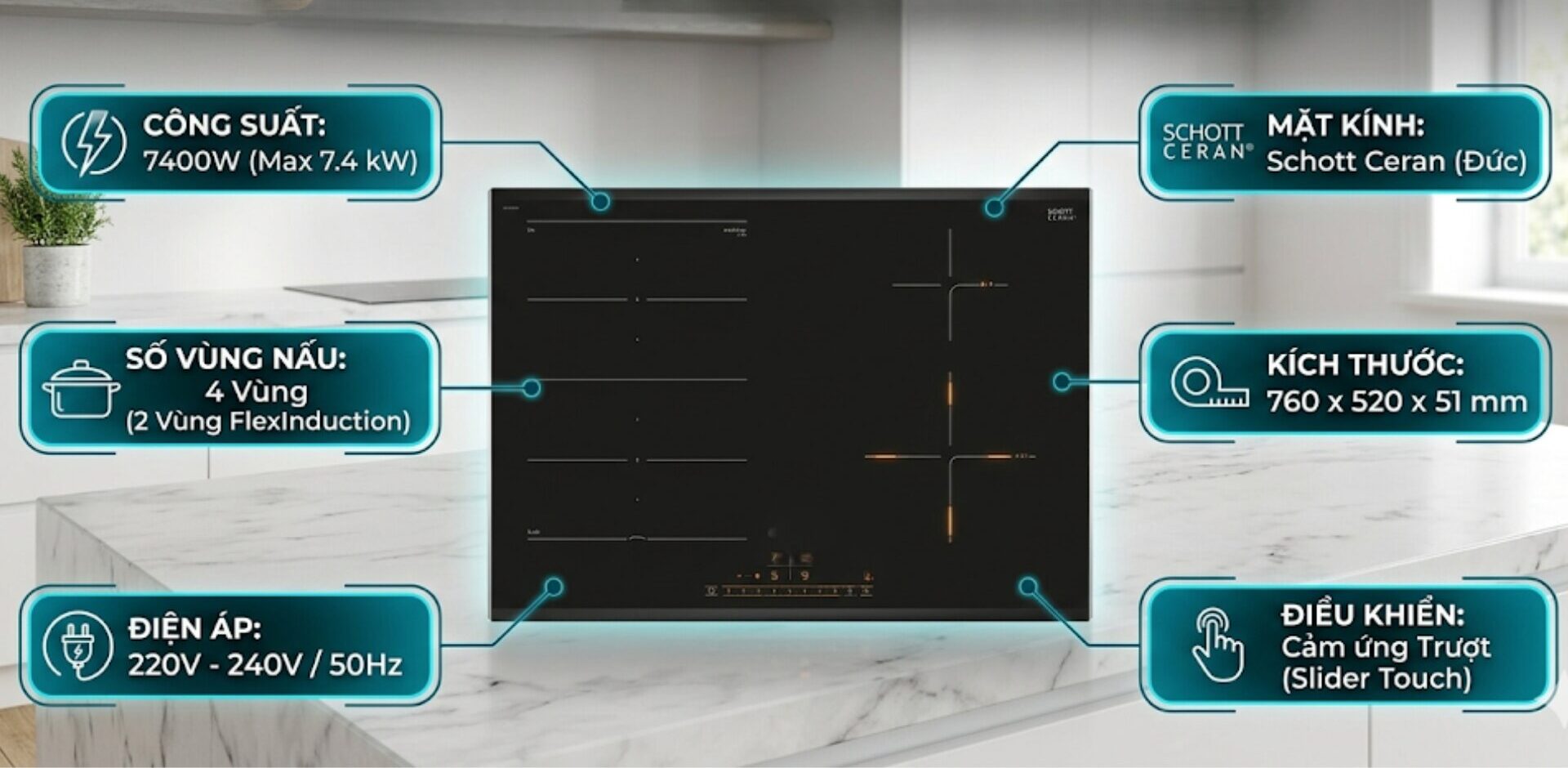
With a foundation of standard German components, especially the circuit board system and pure copper induction coil, Köcher induction cooktops operate stably, minimizing E9 errors on the device.
|
Köcher induction cooktop pioneers German technology – For detailed product information, please contact:
|