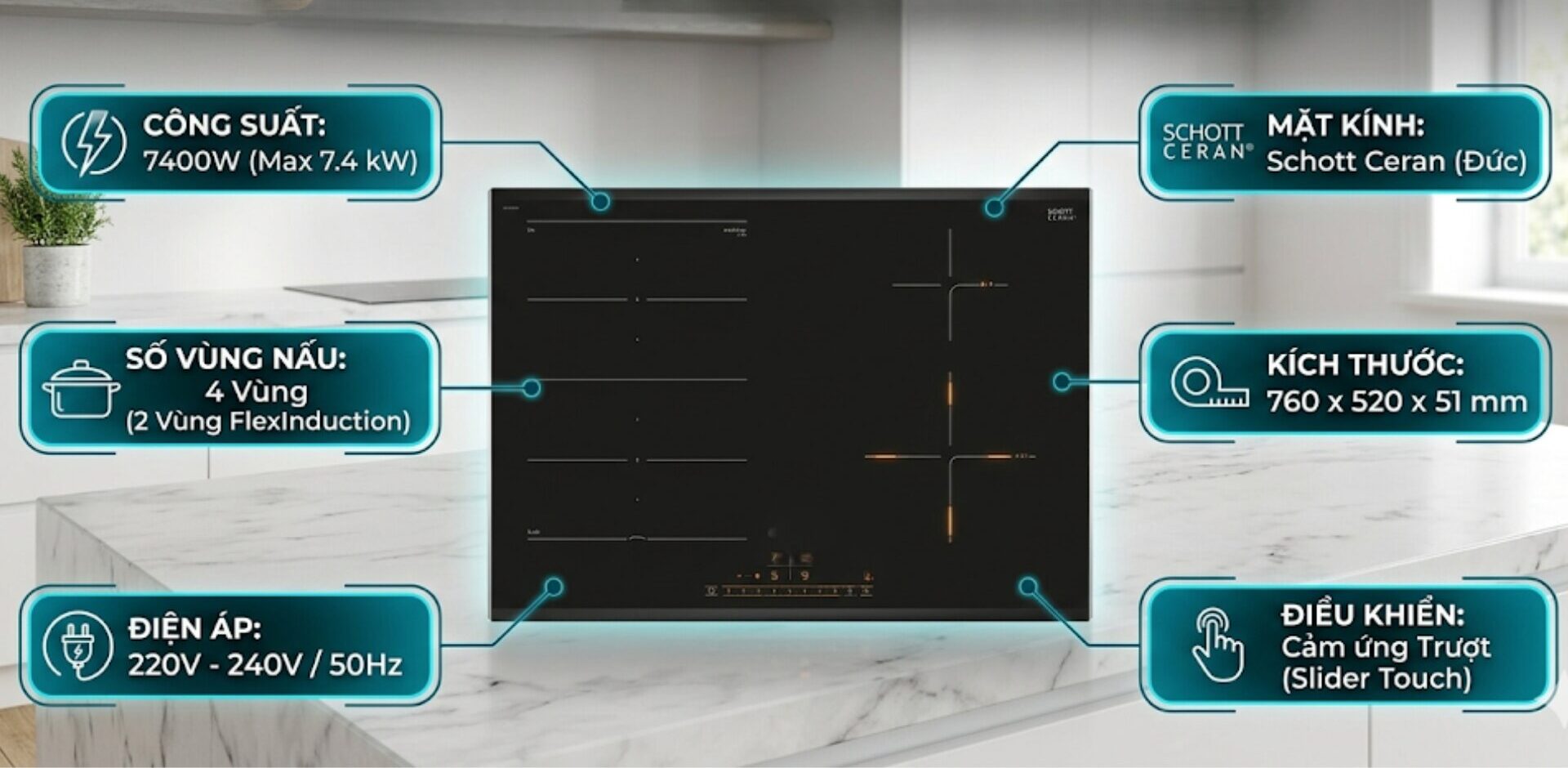
The continuous operation of the induction cooktop fan even after the cooktop has been turned off often causes concern for users regarding the durability of the components. In fact, this could be the device’s smart cooling mechanism, but it could also be a warning sign of a fault in the internal control board. This article will help you clearly distinguish between the cases of the induction cooktop fan running continuously and the solutions to enhance the lifespan of your family’s cooktop.
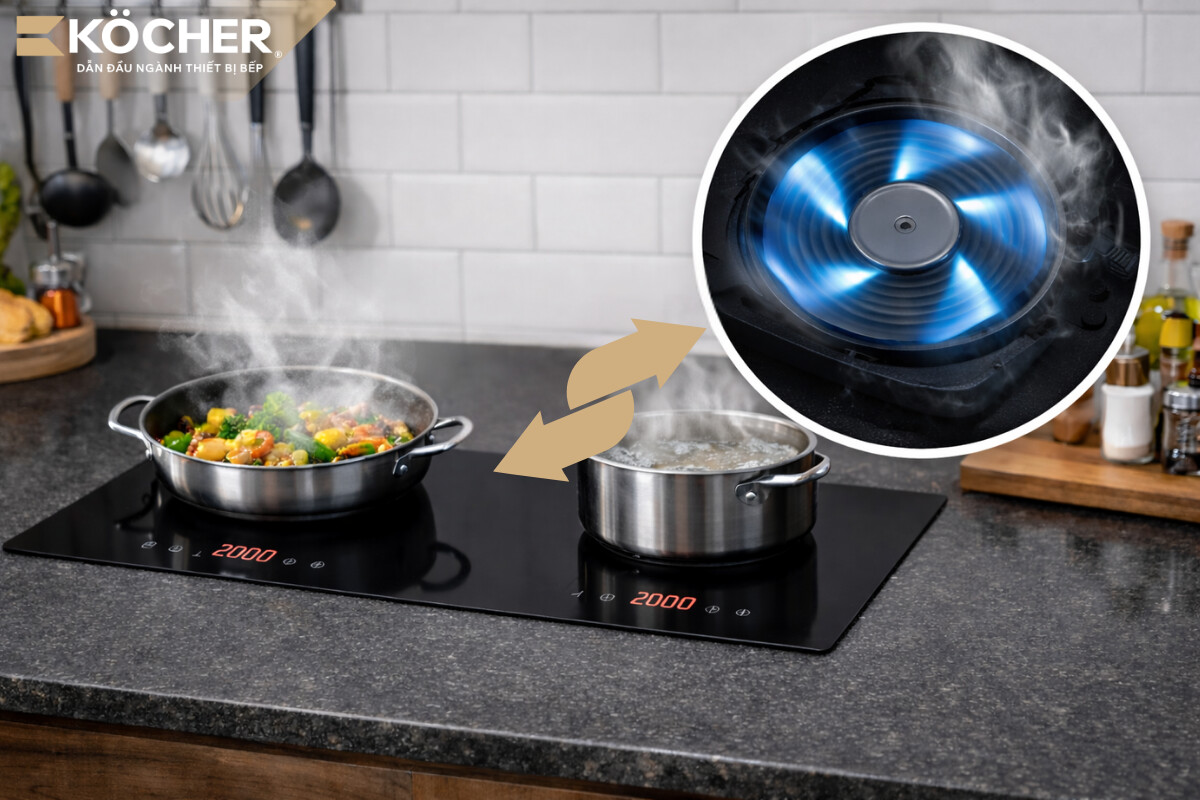
2 cases of the induction cooktop fan running continuously due to operational mechanisms
In many cases, the continuous operation of the cooling fan is a sign that the component protection system is functioning well, not a technical fault.
Induction cooktop fan runs continuously during the cooking process
This is a completely normal operating mechanism of the device.
- Cause: During cooking, the power components (IGBT) and copper coils generate a large amount of heat, especially when using the quick cooking mode (Booster) or cooking for a long time. The cooling fan must operate at maximum intensity to circulate air, preventing overheating that can reduce the lifespan of the components.
- Solution:
- You should prioritize selecting pre-programmed cooking modes for each dish such as frying, stir-frying, or hot pot so that the processor can automatically adjust the appropriate current.
- As soon as the food reaches boiling point or the oil is hot enough, proactively reduce the power level to medium (level 5 – 6) to maintain a stable temperature, avoiding forcing the fan to work continuously at a high load.
- If cooking multiple dishes consecutively, allow the cooktop to rest for about 3 – 5 minutes between pot changes so that the cooling system has time to lower the board temperature to a safe level before starting a new heating cycle.
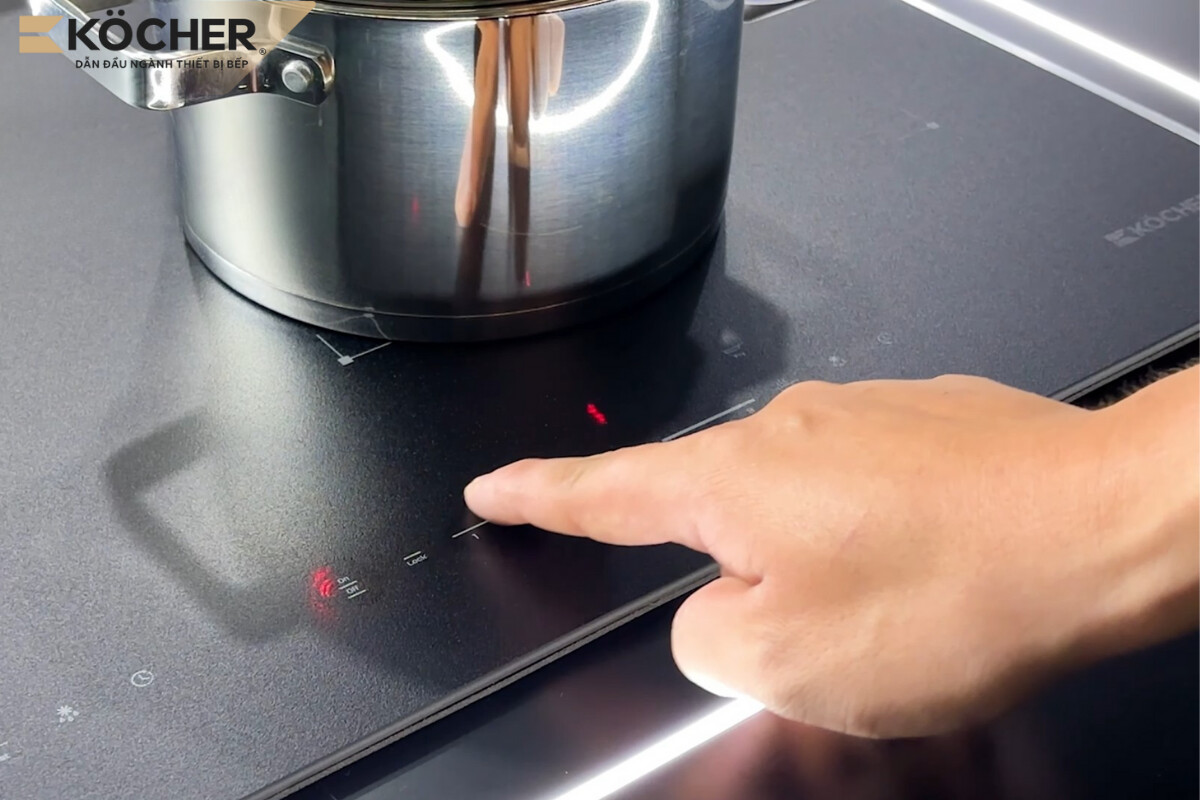
Induction cooktop fan runs continuously after just turning off for 1 – 5 minutes
This is a normal operating state, and users should not intervene. Only turn off the circuit breaker after the fan has completely stopped to ensure the components are fully cooled. Specifically:
- Cause: When you press the power button to turn off the cooktop, the Foucault current stops activating, but the induction coil and components still retain excess heat. If the fan stops immediately, this heat will radiate around and cause “reverse heat transfer,” aging the capacitors and sensitive semiconductor components. The processor will maintain the fan running command for a few minutes to bring the board temperature back to a safe threshold (usually below 50°C). If the sensor reports that the board temperature is too high beyond the allowable limit while cooking, the protection system of the self-turning-off induction cooktop will immediately activate, forcing the fan to run at full capacity for emergency cooling.
- Solution: You just need to wait from 1 – 5 minutes depending on the power level used, the system will automatically turn off the command and the fan will stop. Many people wonder if induction cooktops have cooling when the fan stops running, the answer is yes, this is an important component protection mechanism that helps the cooktop last longer.
5 causes and solutions for the induction cooktop fan running continuously after being turned off for a long time
If the fan continues to run non-stop after more than 10 minutes of turning off the cooktop or runs immediately when plugged in, this is no longer a natural cooling mechanism but a sign of a technical fault. You need to carefully check the causes below to take timely action.
Thin heat sink, poor cooling
This is a sign of reduced heat dissipation efficiency due to substandard cooling materials, commonly seen in low-end cooktops.
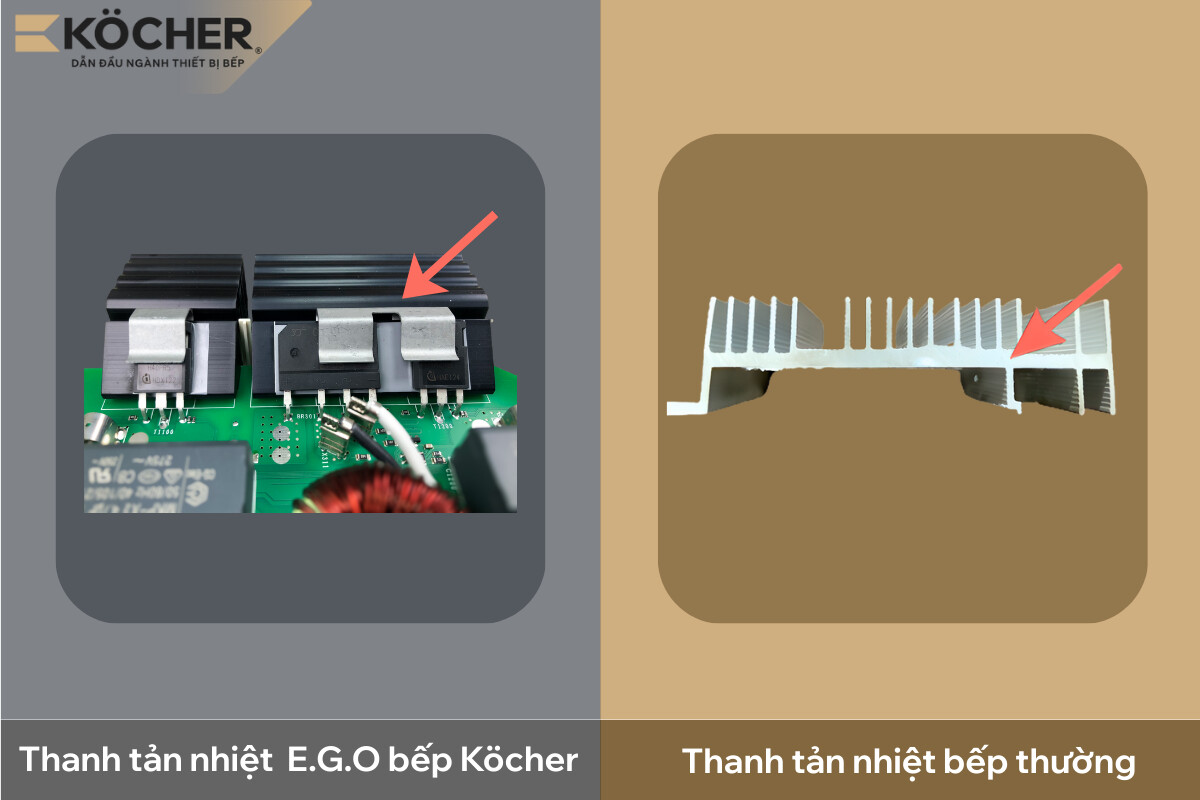
- Cause: Low-cost induction cooktops often use thin aluminum heat sinks with low surface area, or low aluminum content, which can wear out easily during use, causing the heat dissipation process to be very slow. The fan must maintain a longer than normal rotation to reach the cutoff temperature threshold.
- Solution: To completely resolve this, you should choose cooktops that meet global safety standards such as VDE like the Köcher X-Nano. The product is equipped with E.G.O (Germany) components with a thick heat sink and multiple grooves combined with a fan for better and quieter heat dissipation.
Too hot or stuffy environment
This fault mainly arises from errors in the kitchen cabinet construction process, hindering the necessary fresh air circulation to cool the cooktop body.
- Cause: For built-in cooktops, if the cabinet space below is sealed or installed too close to the back wall, the hot air radiating from the fan will be trapped in the cabinet. When the fan cannot draw fresh air from outside, the temperature around the board cannot decrease, leading to the fan running continuously without effective cooling.
- Solution: You should ask the technician to cut additional ventilation holes or check the user manual to modify the bottom or sides of the cabinet as recommended by the manufacturer. The distance from the bottom of the cooktop to the bottom of the cabinet must be at least 20cm to facilitate air circulation.
Dust blocking the heat dissipation vents causing the induction cooktop fan to run continuously
This situation often arises because users do not regularly clean the heat dissipation vents, reducing the cooling efficiency of the induction cooktop.
- Cause: Dust and grease accumulate thickly in the ventilation slots, blocking the airflow.
- Solution: You need to use a soft brush or a mini vacuum cleaner to completely remove dust from the heat dissipation vents under the cooktop and around the cooktop body every 3 – 6 months. If the heat dissipation vents are blocked for too long, the fan may get stuck or burn out, leading to the situation of the induction cooktop fan not running and causing the cooktop to overheat while cooking.
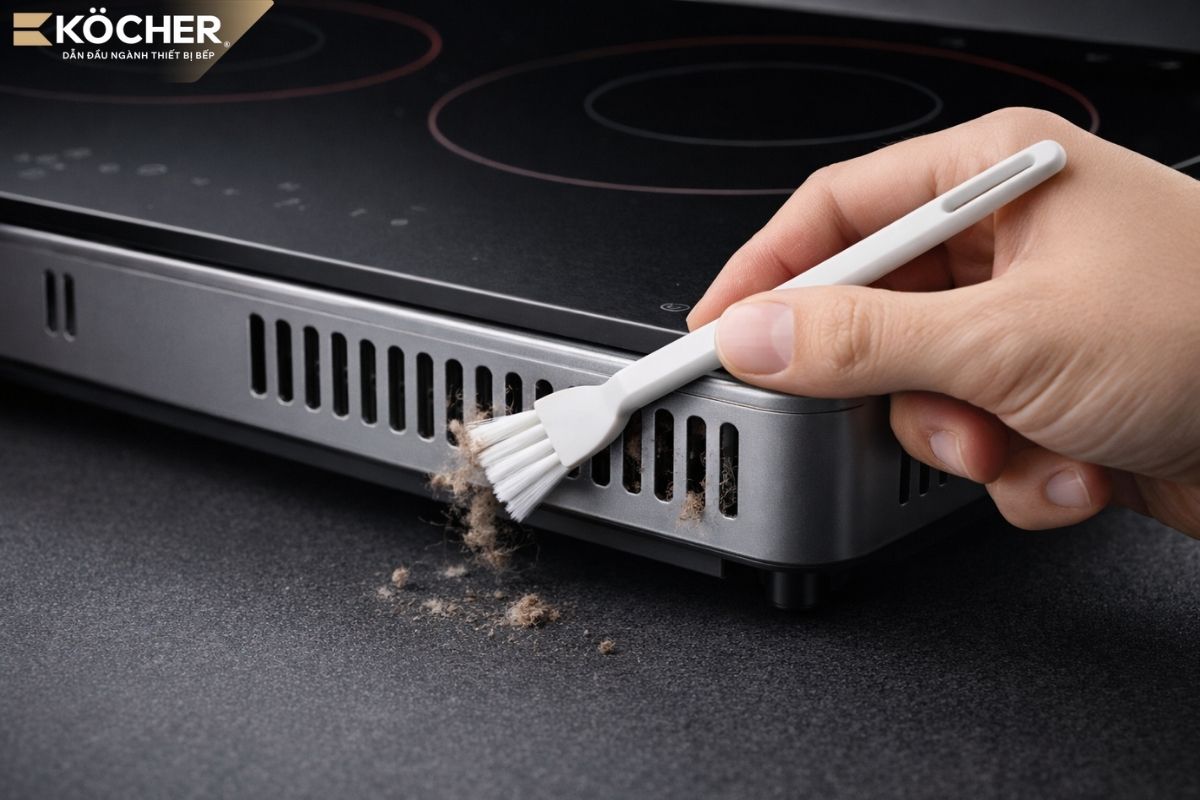 Dusty heat dissipation vents reduce cooling efficiency.
Faulty temperature sensor
This occurs due to a malfunction in the internal temperature sensor of the cooktop or a short circuit, leading to incorrect information being transmitted to the controller.
- Cause: The temperature sensor is responsible for monitoring the heat of the glass surface and power components. When it fails, this sensor “falsely reports” that the cooktop is very hot even though the surface has cooled down completely.
- Solution: This is a hardware component fault, requiring a professional technician to use a multimeter to check the resistance value of the sensor and replace it if the error exceeds the allowable limit.
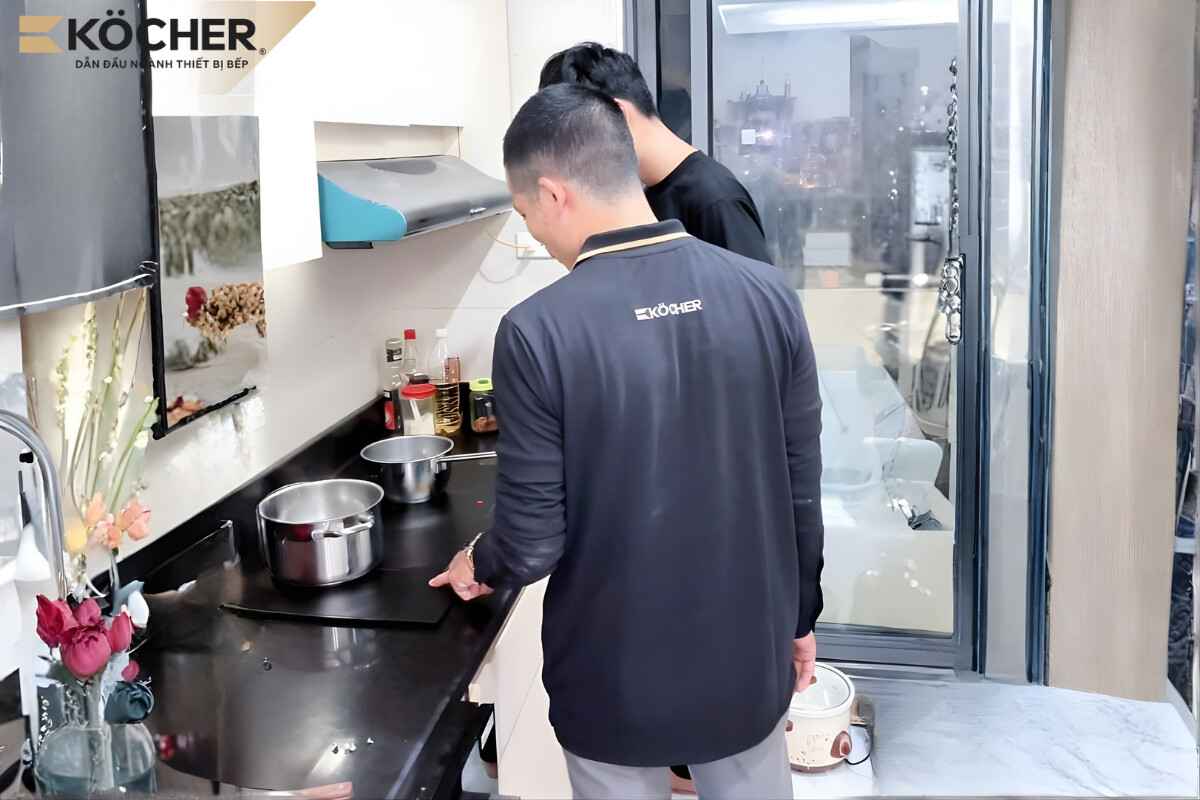 Ask a professional technician to check and replace the new sensor.
Faulty function pin inside the processor
This is a situation where the function circuit is short-circuited at the motherboard level, causing the fan operation command pulse to be stuck in a continuously activated state.
- Cause: The fan control circuit operates based on the voltage command output from the function pin of the processor. When this function pin is damaged (short-circuited internally), the command to turn on the fan is always in the “On” (high) state as soon as power is supplied to the cooktop. At this point, the central control board is confused, leading to the phenomenon of the induction cooktop receiving power but not turning on the touch system, while the fan under the cooktop continues to run without stopping.
- Solution: The technician will check the circuit diagram and may intervene by adding a capacitor to the base pin of the fan control semiconductor. This capacitor stabilizes the voltage, filters noise, and creates a reasonable discharge delay, helping the fan run strongly for quick cooling and stop completely after a safe cooling period.
Note: This is a deep intervention into the processor structure and circuit board, and users are not encouraged to disassemble the cooktop and repair it at home.
How to clean and maintain the induction cooktop fan
Regular cleaning not only helps the fan operate smoothly but also prevents overheating, prolonging the lifespan of the expensive electronic components inside the cooktop.
External cleaning
External cleaning should be done immediately after each cooking session to avoid stubborn stains and ensure that the heat dissipation vents are always unobstructed:
- Step 1: Prepare a microfiber cloth and specialized cleaning solutions such as Cif, Domax, or a homemade mixture (vinegar, lemon, baking soda) when the residual heat indicator light (H) just turns off.
- Step 2: Unplug the power cord or turn off the circuit breaker. This is also the right time for the technician to guide you on how to handle an induction cooktop with electrical leakage by checking the grounding connection of the machine casing, eliminating induced current safely before cleaning. Then pour the solution onto the cooktop surface, using a microfiber cloth to gently wipe in a circular motion; for water stains or fingerprints.
- Step 3: Use a specialized scraper for glass surfaces to remove burnt-on residues, avoiding heat accumulation at one point that could damage the cooktop surface.
- Step 4: Clean up plastic bags, rags, or newspapers under the cooktop to avoid being sucked into the protective grid by the fan, causing stuffiness and overheating.
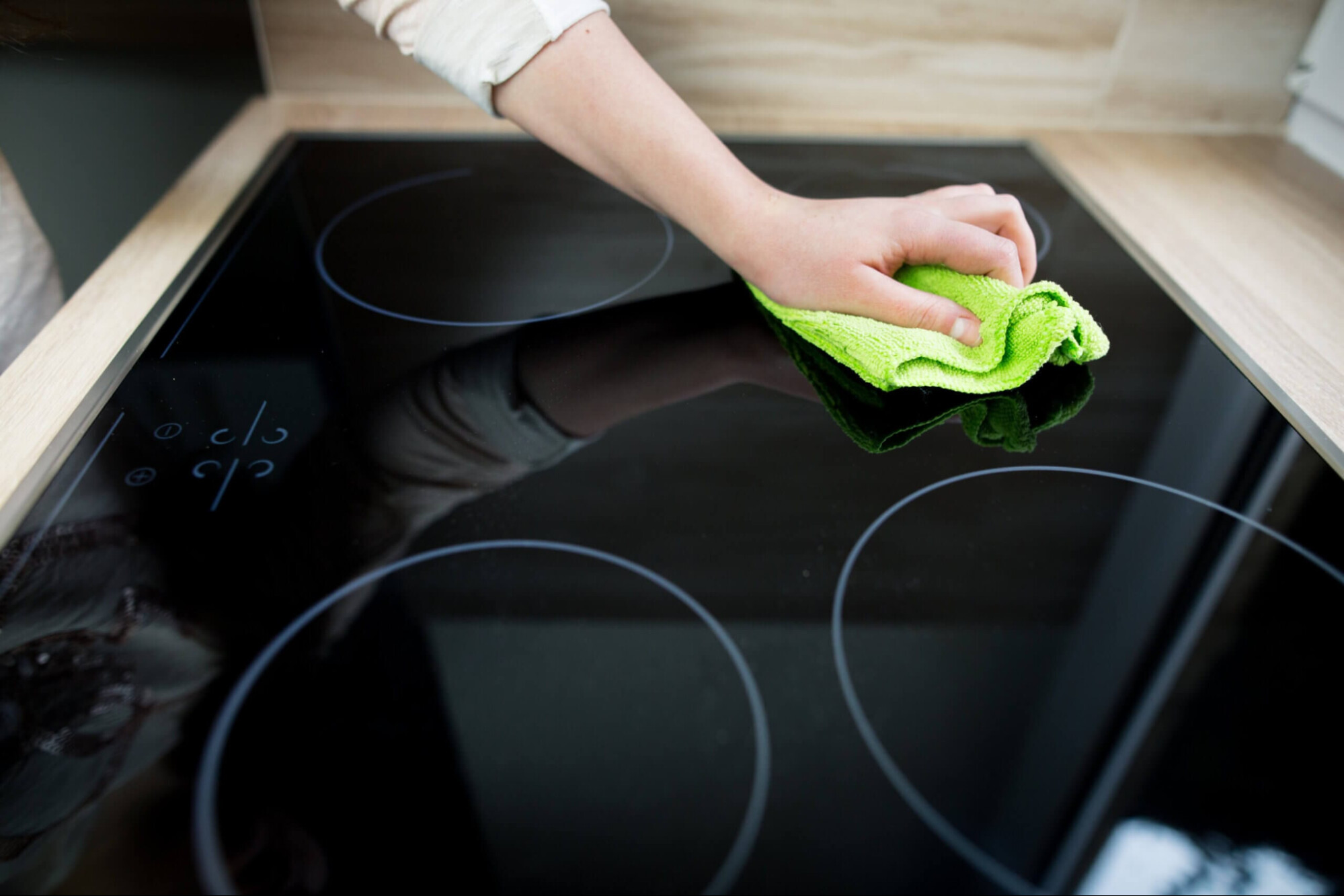 Clean the induction cooktop surface immediately after cooking to prevent grease from sticking tightly to the cooktop surface.
Internal cleaning
In-depth maintenance of internal components should be performed periodically every 6 – 12 months to ensure the induction cooktop operates stably and durably. The procedure is as follows:
- Step 1: Unplug the power cord or turn off the circuit breaker to ensure safety.
- Step 2: Use a specialized screwdriver to open the fixed screws, lift the glass surface or plastic casing to access the internal cooling fan component.
- Step 3: Use a soft brush or dry cloth to clean each fan blade, ensuring that all residues are completely removed for optimal fan speed.
- Step 4: Sweep away dust and obstacles around the fan area to ensure cold air can be drawn in and pushed out smoothly.
- Step 5: Reassemble the components back to their original positions, ensuring that the connections are not pinched before reconnecting the power supply.
Note: The disassembly of the cooktop should be performed by the manufacturer’s technical staff or qualified personnel. Absolutely do not disassemble the cooktop at home if you do not fully understand its structure and operating principles.
Above are the summarized 5 causes and the most effective solutions for the induction cooktop fan running continuously. We hope this article helps you understand the operating mechanism of the device, thereby proactively maintaining and promptly troubleshooting issues. Don’t forget to prioritize choosing products with quality cooling systems to keep the cooktop operating stably and durably over time!
|
Köcher induction cooktop pioneers German technology – For detailed product information, please contact:
|