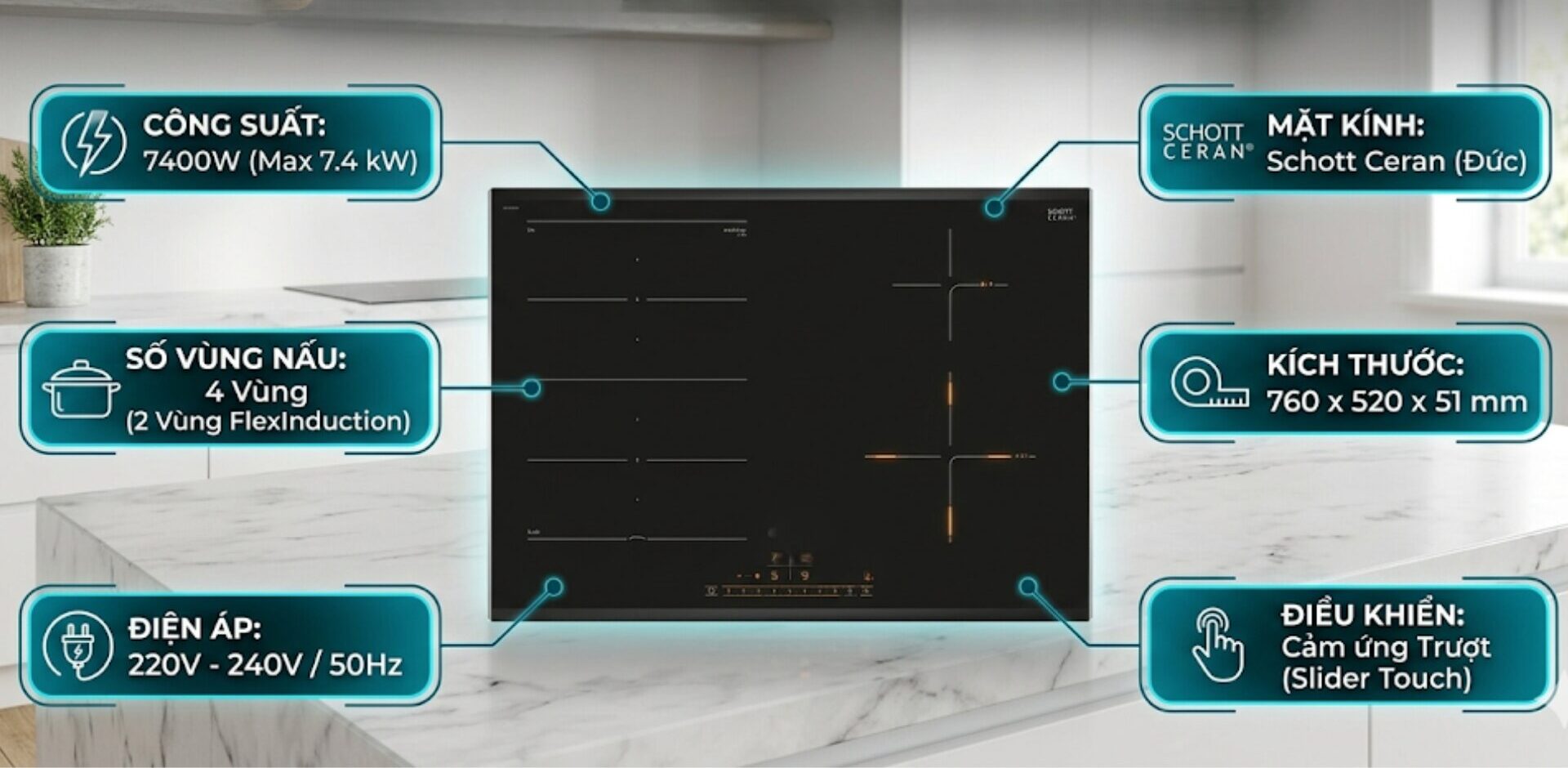
The induction cooktop is powered on but does not turn on is a fairly common situation during use, causing interruptions in cooking. This error can stem from very simple causes such as an incompatible pot, a damp control panel, to issues related to the power supply or internal components. Understanding the correct cause will help you handle it quickly, avoid incorrect operations, and minimize unnecessary damage.
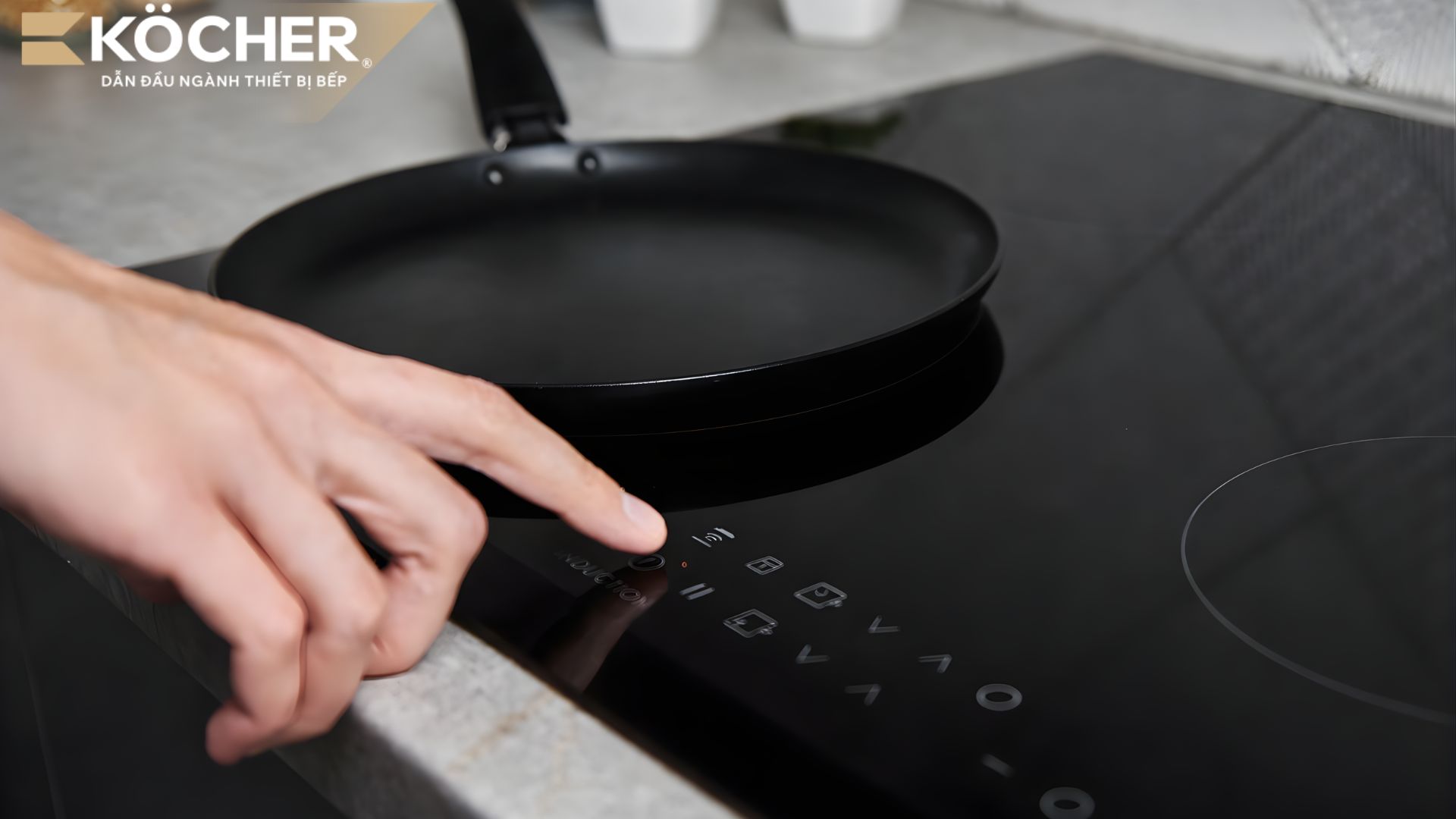
7 reasons why the induction cooktop is powered on but does not turn on and how to fix it
Below are common reasons why the induction cooktop is powered on but does not turn on, along with the operating mechanism and appropriate handling directions for each case.
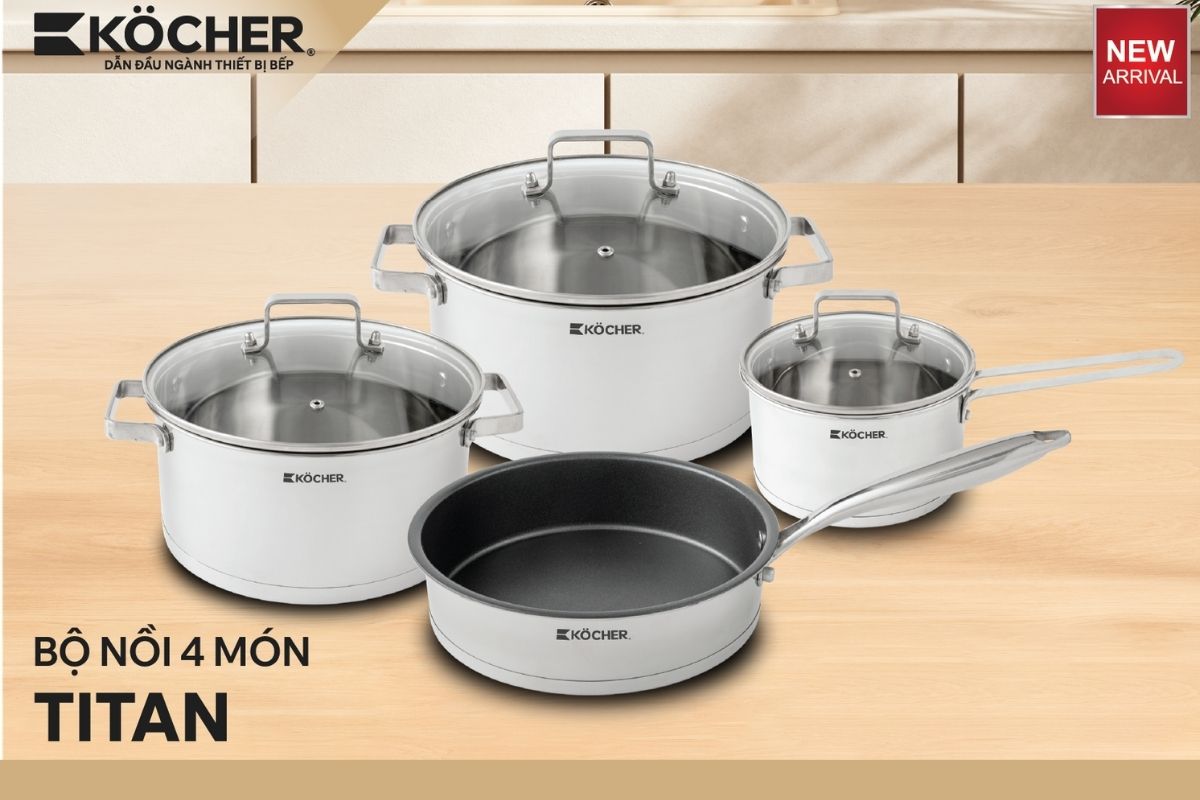
Using an incompatible pot or no pot on the cooktop
This is a basic error, stemming from the operating principle of the induction cooktop based on electromagnetic induction.
- Cause: The induction cooktop operates based on the principle of electromagnetic induction, creating a fluctuating magnetic field through the induction coil to generate heat at the bottom of the ferromagnetic pot. If an incompatible pot is used or if there is no pot, the magnetic field cannot be converted into thermal energy. You need to clearly distinguish this phenomenon where the system has LED signals but cannot cook from a complete power failure due to a broken wire or blown fuse causing the induction cooktop not receiving power, so that you can have a more accurate handling direction.
- How to fix: Use a magnet to check the bottom of the pot; if the magnet sticks tightly, then that pot is compatible with the induction cooktop. Ensure the bottom of the pot is flat, clean, and placed accurately at the center of the cooking zone. If the cooktop still reports an error despite using the correct pot, disconnect the power for 1 minute and then restart to allow the sensor system to reset its device recognition state.
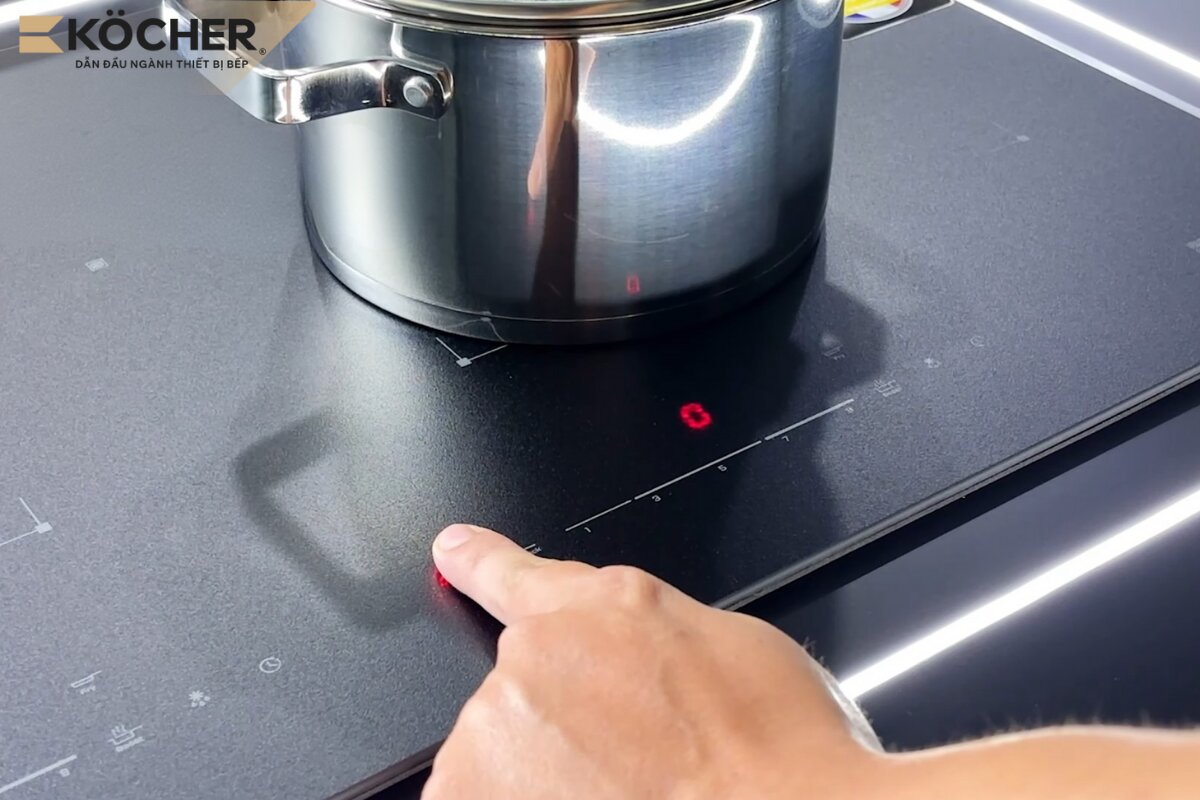
The control panel surface is damp or greasy
A dirty glass surface not only affects aesthetics but also reduces the effectiveness of user control commands.
- Cause: The touch buttons operate based on changes in capacitance when a finger touches them. Water or grease on the surface acts as a conductor, causing interference or short-circuiting the signal between the sensor electrodes, preventing the microcontroller from distinguishing the control command and automatically disabling the circuit board to avoid incorrect activation.
- How to fix: Disconnect the power, apply the correct technique and steps in the guide How to clean the induction cooktop using a clean, soft dry cloth to completely remove moisture, liquids, and the layer of grease buildup covering the button area. After cleaning, ensure your hands are dry before operating again so that the capacitive sensor system can accurately recognize the control signal.

The touch keypad is damaged
This is a complex technical error; please do not attempt to repair it at home if you do not have expertise.
- Cause: Over a long period of use, the components on the control board may age, rust, or have broken circuits due to environmental humidity. This results in the loss of signal transmission capability from the user’s hand to the microcontroller, leading to a complete system failure and inability to respond to on/off commands or change power levels.
- How to fix: Disconnect the power completely for 5 minutes to allow the system to reset. If the buttons still do not respond, contact a specialized technician to check the continuity, address oxidation points, or replace the control board to restore the cooktop’s operational capability.
 Turn off the cooktop and let it rest for about 5 minutes for the system to reset automatically
The child lock mode is activated
This is a safety mode integrated into most induction cooktop models today.
- Cause: When this mode is on, the entire control panel will be disabled (usually indicated by a key symbol or a bright red “L”). You may see that the cooktop is powered on, but when pressing all the buttons on the control panel, no signals are received (except for the power button).
- How to fix: Look for the button with a lock symbol or the word Lock, press and hold for 3 to 5 seconds until the lock indicator light turns off or you hear a “beep” to unlock.
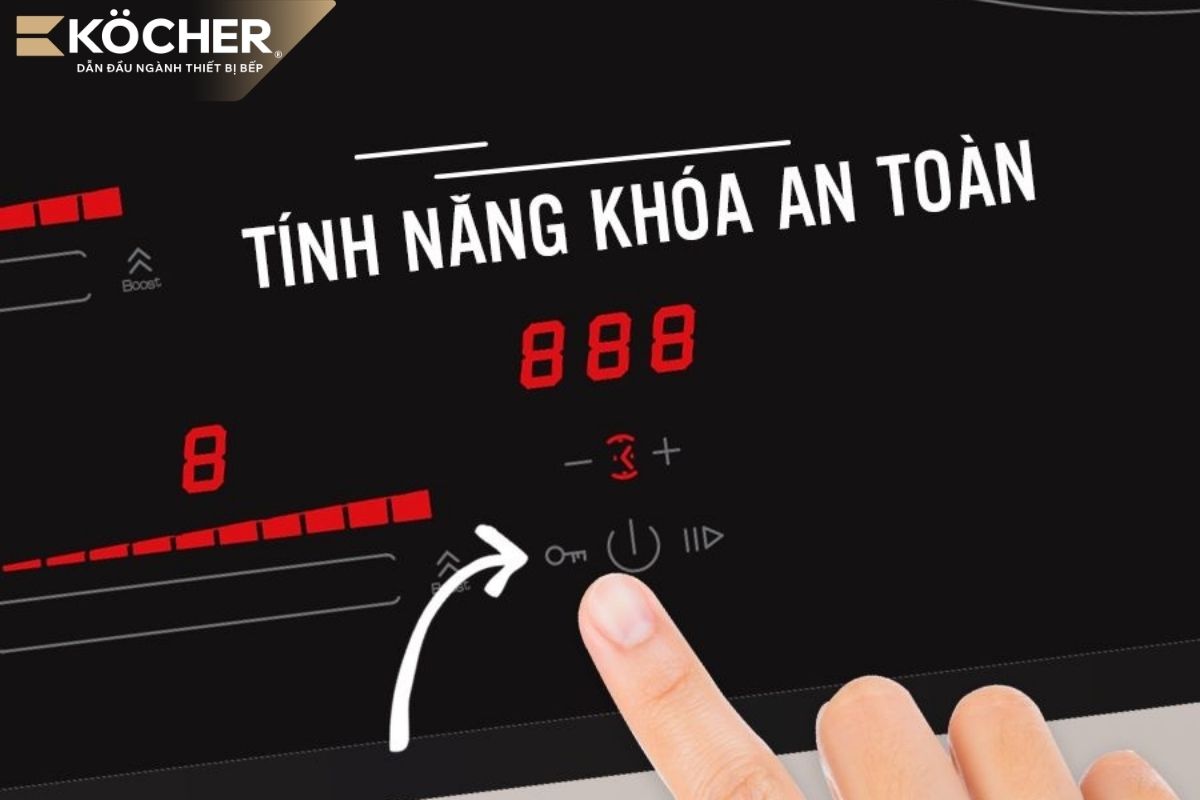 Press and hold the lock symbol to disable the child lock feature
Unstable power supply (Too high or too low)
This error occurs when using the cooktop during peak hours, when the power supply is unstable, or when using multiple electrical devices simultaneously.
- Cause: When the input voltage exceeds the safe threshold (usually above 250V) or falls below the minimum level (below 170V), the voltage sensors on the board will send signals to the microcontroller (CPU). To protect the IGBT and capacitors from burning out due to overcurrent or overheating, the microcontroller will cut off the power supply.
- How to fix: Check the household voltage with a multimeter. If the fluctuation occurs frequently, you need to install an additional voltage stabilizer with an appropriate capacity (usually from 5kVA to 10kVA) to maintain a stable 220V current for the cooktop. Avoid sharing the induction cooktop socket with other high-power devices such as microwaves, refrigerators; it is advisable to install a separate circuit breaker for the induction cooktop.
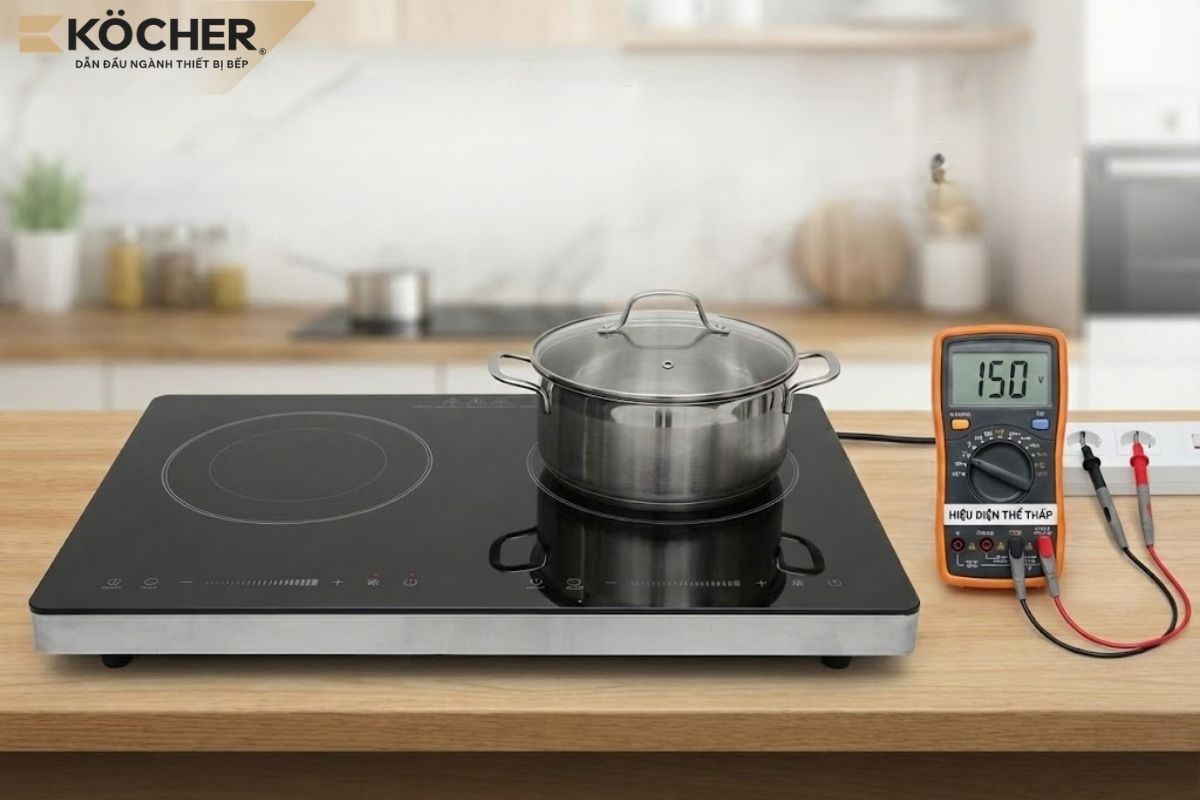 The power supply is too low causing the cooktop to be powered on but not turn on
Internal components are damp or overheated
Environmental conditions and residual heat after cooking also directly affect the operational capability of the cooktop.
- Cause: Moisture intrusion creates unwanted electrical pathways on the board (small electric leakage phenomenon), distorting the control signal.
- How to fix: Disconnect the power, use a hairdryer to blow air through the cooling vents to dry the internal components, then let the cooktop rest for 20 – 30 minutes to allow the system to cool down completely before turning it back on.
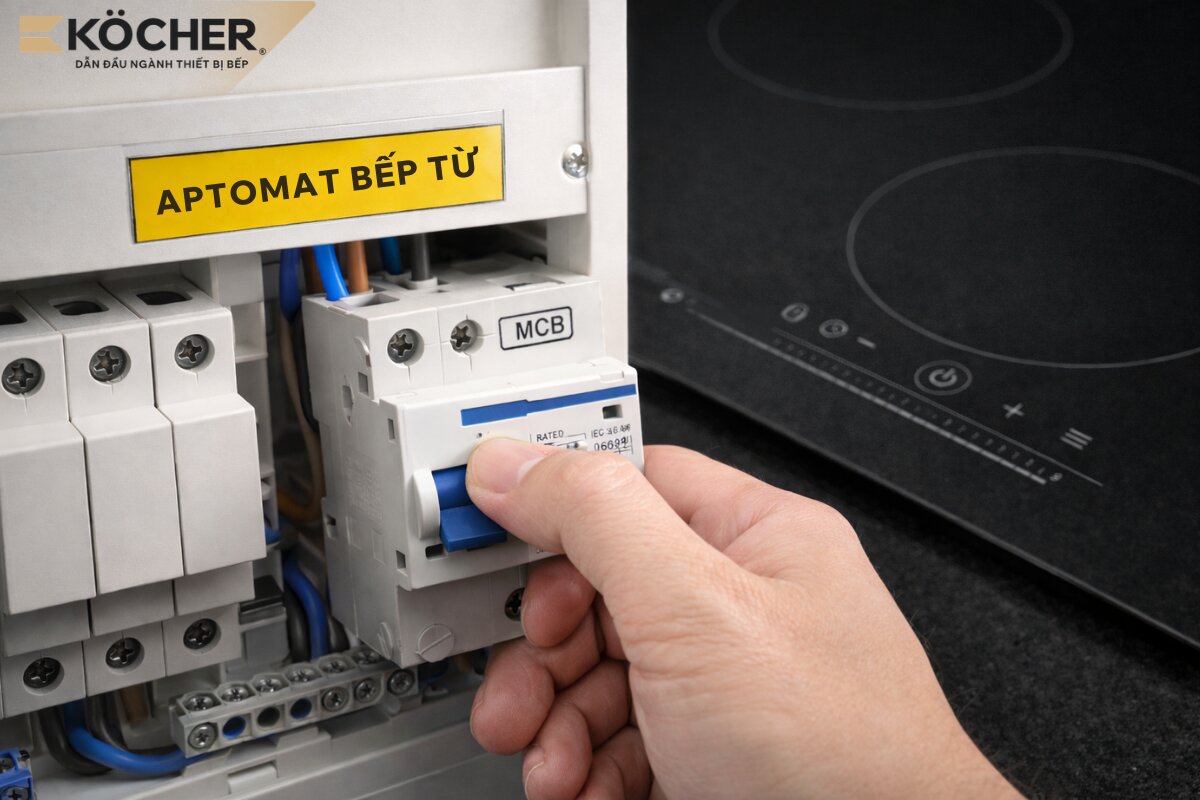 Disconnect the power and let the cooktop rest for 20 – 30 minutes to allow the system to cool down completely before turning it back on
Faulty temperature sensor or power IC
This is the most complex error case causing the induction cooktop to be powered on but not turn on:
- Cause: When the temperature sensor is broken/shorted or the power IC is damaged, the power supply to the microcontroller (CPU) becomes unstable or the input signal is distorted; the system immediately activates the lock mode to prevent the power transistor (IGBT) and induction coil from burning out.
- How to fix: Disconnect the power completely to protect the board. Since this is a complex hardware error, you need to contact a technician to measure and replace genuine components.
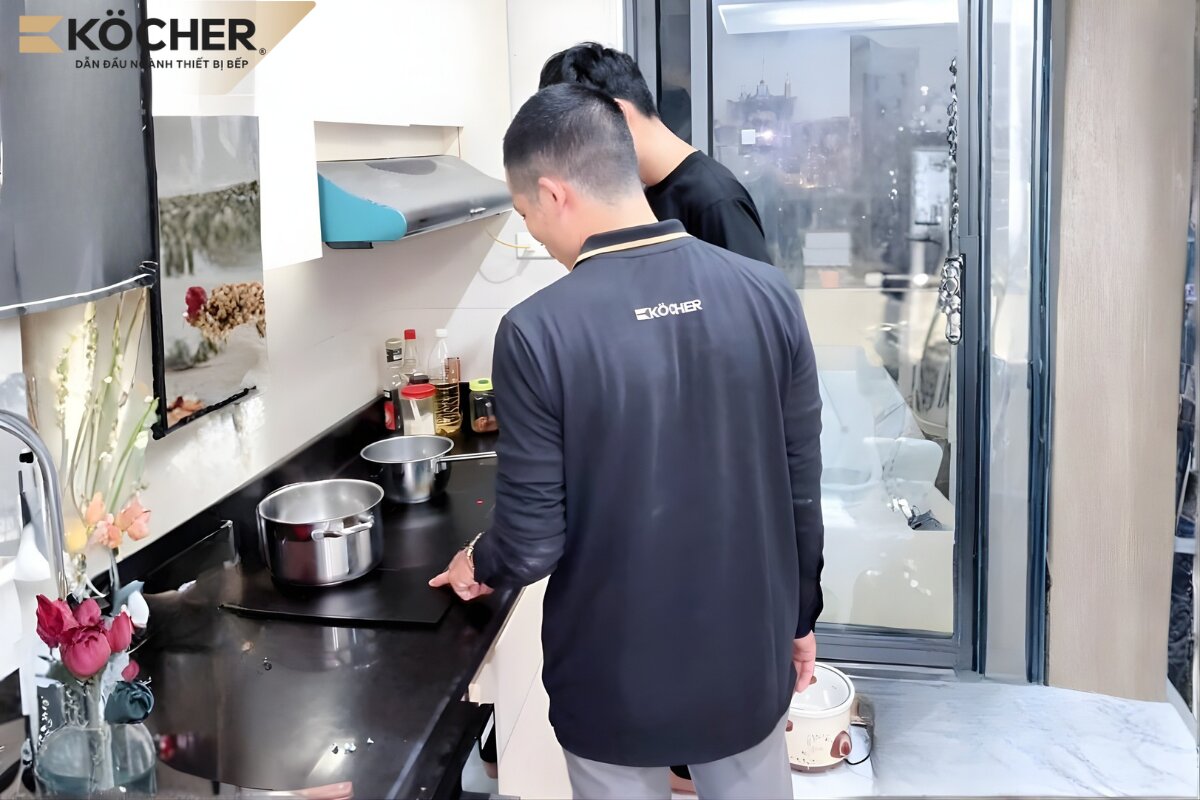 Ask a professional technician to check and fix the error when the cause is due to internal component malfunction
5 tips to extend the lifespan and reduce power errors for the induction cooktop
To ensure the induction cooktop operates stably, minimize power-related errors, and extend the lifespan of components, you should adopt some of the following usage habits:
- Use a separate socket and install a circuit breaker: The induction cooktop has a high power output; sharing an electrical outlet with other devices can easily cause overload, voltage drops, or short circuits. Installing a separate circuit breaker helps stabilize the power supply while protecting the board in case of electrical issues.
- Do not unplug the power cord immediately after cooking: After turning off the cooktop, the cooling fan still needs to operate to cool down the internal components. If you unplug it immediately, the heat will accumulate, which can reduce the lifespan of the capacitors and the board over time.
- Avoid using maximum power continuously: Maintaining the “Booster” mode or the highest heat level continuously for more than 10 minutes causes electronic components to operate at their limits, easily leading to overheating and hardware failure.
- Regular cleaning: Depending on the frequency of cooking, you should use a mini vacuum cleaner or a soft brush to clean dust in the vents and fan every 3 – 6 months to ensure airflow, preventing the board from overheating or becoming moldy. Additionally, proactively referring to further guides on How to clean the induction cooktop with specialized solutions periodically will help keep the glass surface shiny, minimizing the risk of leftover food or grease causing interference with the power button.
- Do not place near other electronic devices: It is advisable to keep the cooktop at least 20 – 30 cm away from devices such as refrigerators, microwaves, air fryers, etc. This distance helps reduce electromagnetic interference and prevents the power supply from being affected when many high-power devices operate simultaneously.
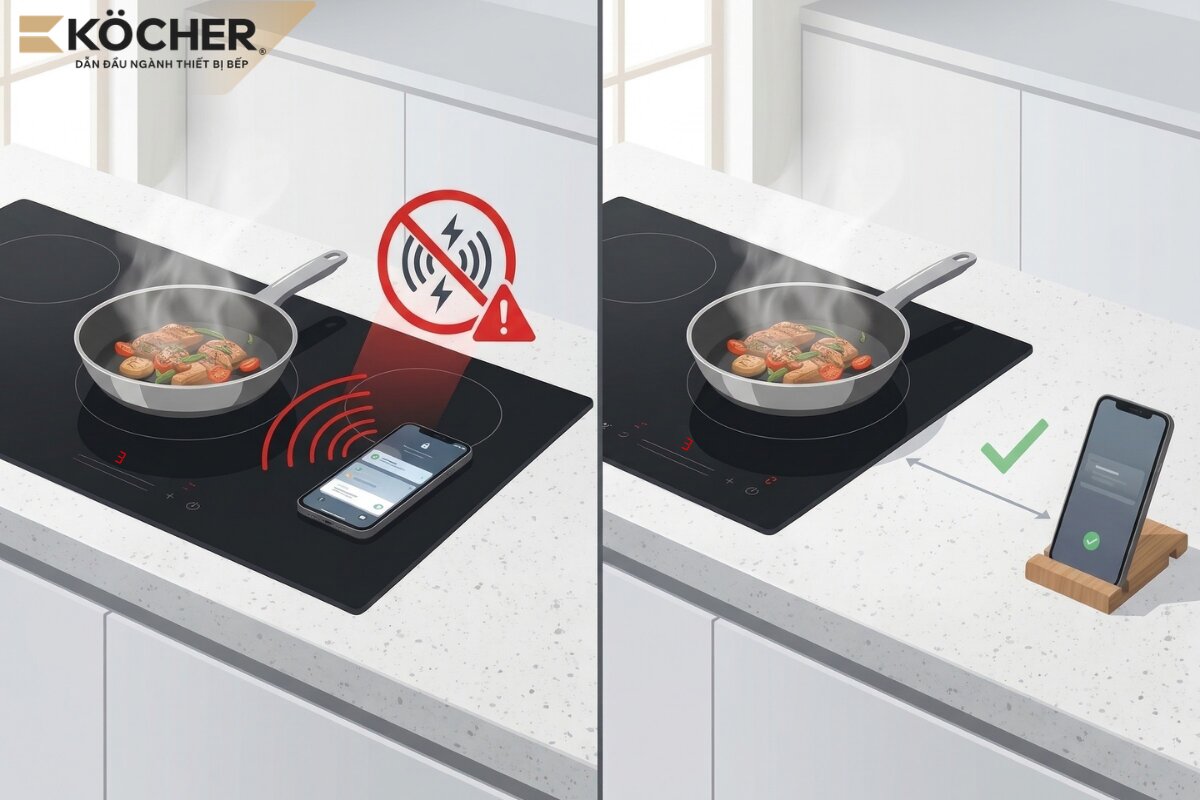 Do not place your phone too close to the induction cooktop as it will cause electromagnetic interference
Above are a summary of 7 reasons along with corresponding solutions when the induction cooktop is powered on but does not turn on. We hope this article can help you identify the correct cause and quickly resolve the issue.
Köcher induction cooktops are the right choice if you need a device that operates stably and minimizes power errors. The product uses EuroKera (France) or high-end Schott Ceran glass, combined with E.G.O (Germany) components and smart sensors to optimize power, reduce overheating, and ensure durability and safety during long-term use.
Köcher induction cooktops pioneer German technology – For detailed product information, please contact:
|
|
Consultation
|
Phùng Mạnh Cường
Mr. Phùng Mạnh Cường is the CEO of Köcher kitchen appliance company, one of the pioneering leaders in using German technology. With over 12 years of experience in manufacturing and technology collaboration, under the guidance of the CEO, Kocher aims to provide the most useful and objective information for cooktop users. |