When cooking, the induction hob displaying “LO” on the control panel makes many people worry whether the device is experiencing a serious malfunction. In fact, this is a symbol related to the device’s security feature. The article below will provide the exact causes and quick solutions to this situation in just a few seconds.
Is the induction hob displaying “LO” an error or a feature?
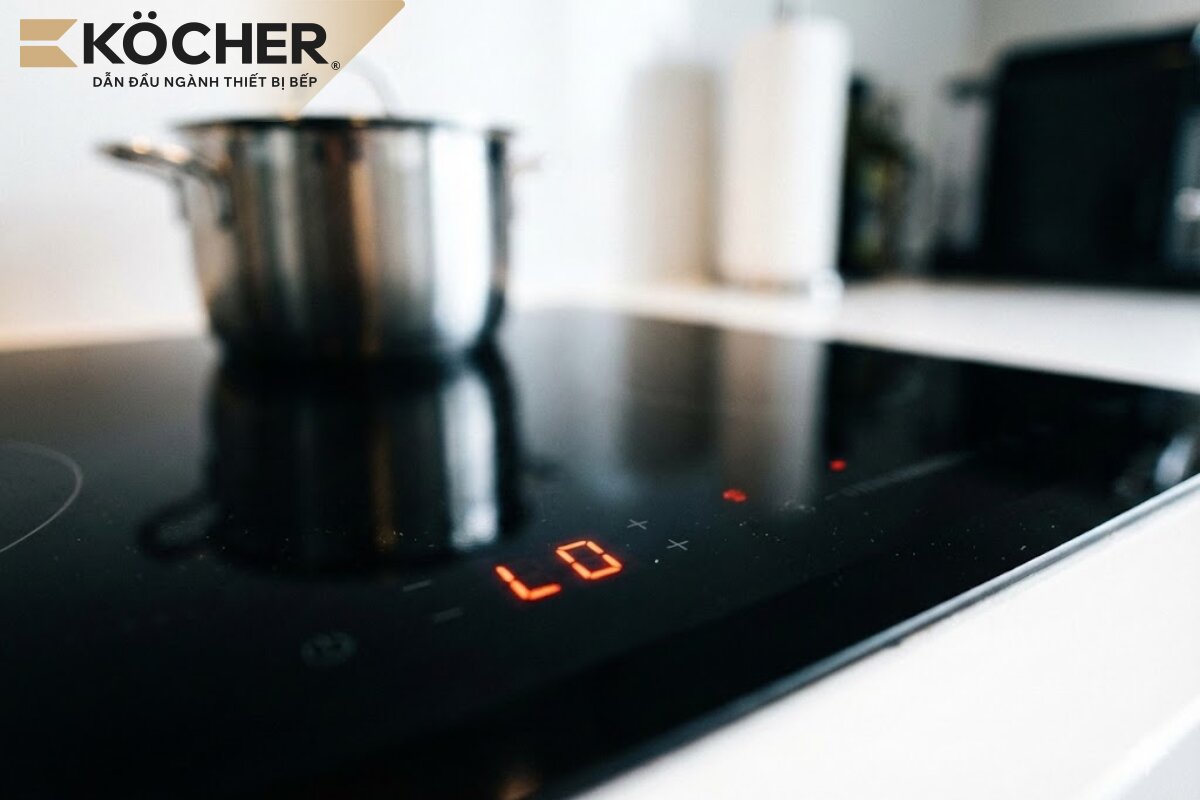
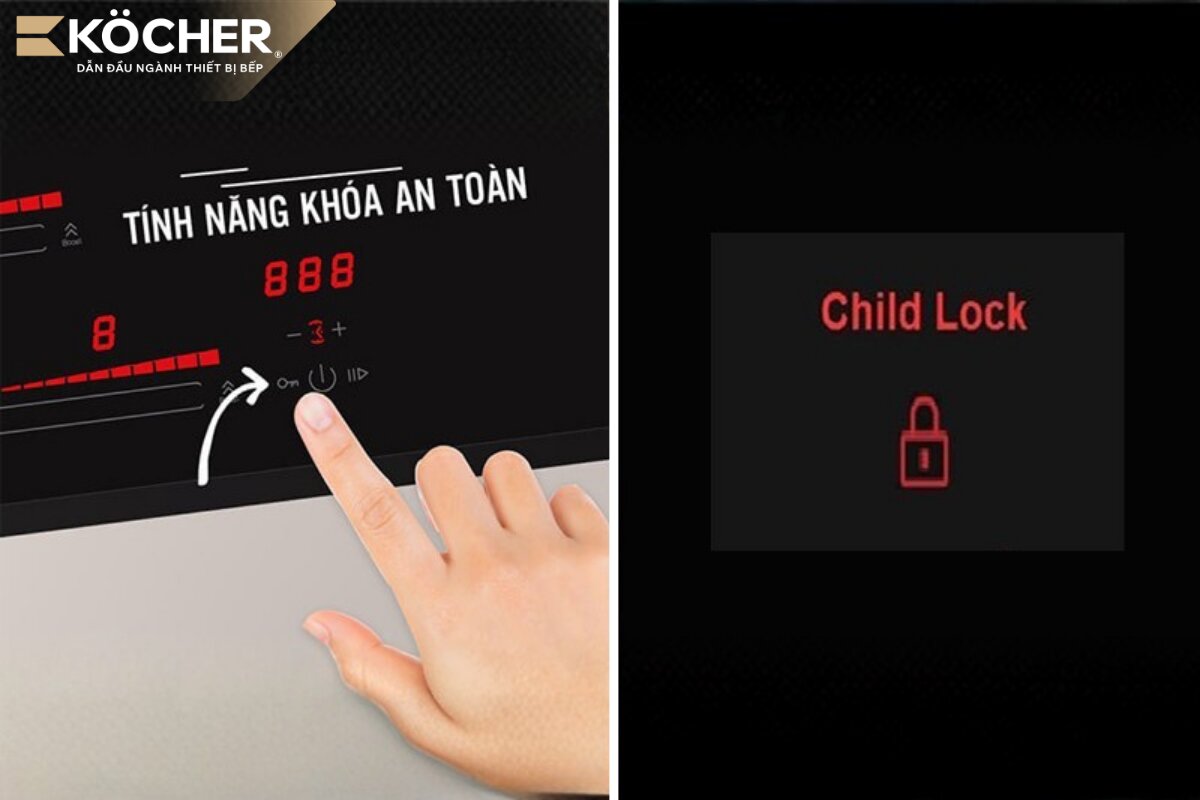
The symbols “LO”, “LOc”, “L” or the lock icon are abbreviations for the word “Lock”, which is not a technical error, but rather a symbol indicating that the child safety lock feature is activated. This feature is a mandatory safety standard on high-end induction hobs, aimed at protecting users and the device during operation.
When the safety lock mode is active, the entire touch control panel system will be temporarily disabled to ensure that the temperature and power settings in use will not be changed if there is an accidental external influence, while also preventing young children from operating the hob, avoiding danger.
5 reasons why the induction hob displays “LO”
Although it is a useful feature, sometimes the hob activates the safety lock without the user’s intentional setting, which can cause certain inconveniences. Here are 5 common reasons leading to this situation:
- The user accidentally touches the lock button: During cooking or cleaning the hob while it is in operation, a finger or damp cloth may accidentally press down on the lock icon; just a touch for 2 – 3 seconds can activate this feature.
- The control panel is dirty or wet: If the hob’s glass is covered in grease or water spills from the cooking pot onto the touch keys, these impurities can create a false signal that the user is pressing and holding the lock button.
- The hob’s circuit board is faulty: If the internal components, especially the touch IC on the control board, encounter issues due to moisture or aging, the hob may automatically send a command to lock the system.
- The induction hob loses power suddenly: When the power supply is unstable or the circuit breaker trips, some smart induction hobs have a self-protection mechanism by restarting in a locked state to ensure the user actively checks the device before continuing to cook. If this issue occurs continuously with sudden fluctuations in current, it can lead to more serious consequences such as the induction hob blowing a fuse at the input, causing the entire power board to be completely disconnected to prevent the risk of fire.
- The induction hob is used for the first time activating the lock mode: In some new models, manufacturers often default to activating the lock mode to ensure safety during transportation and installation.
3 ways to unlock the induction hob displaying “LO”
To unlock the safety feature on the induction hob, depending on the model, you can follow the instructions below:
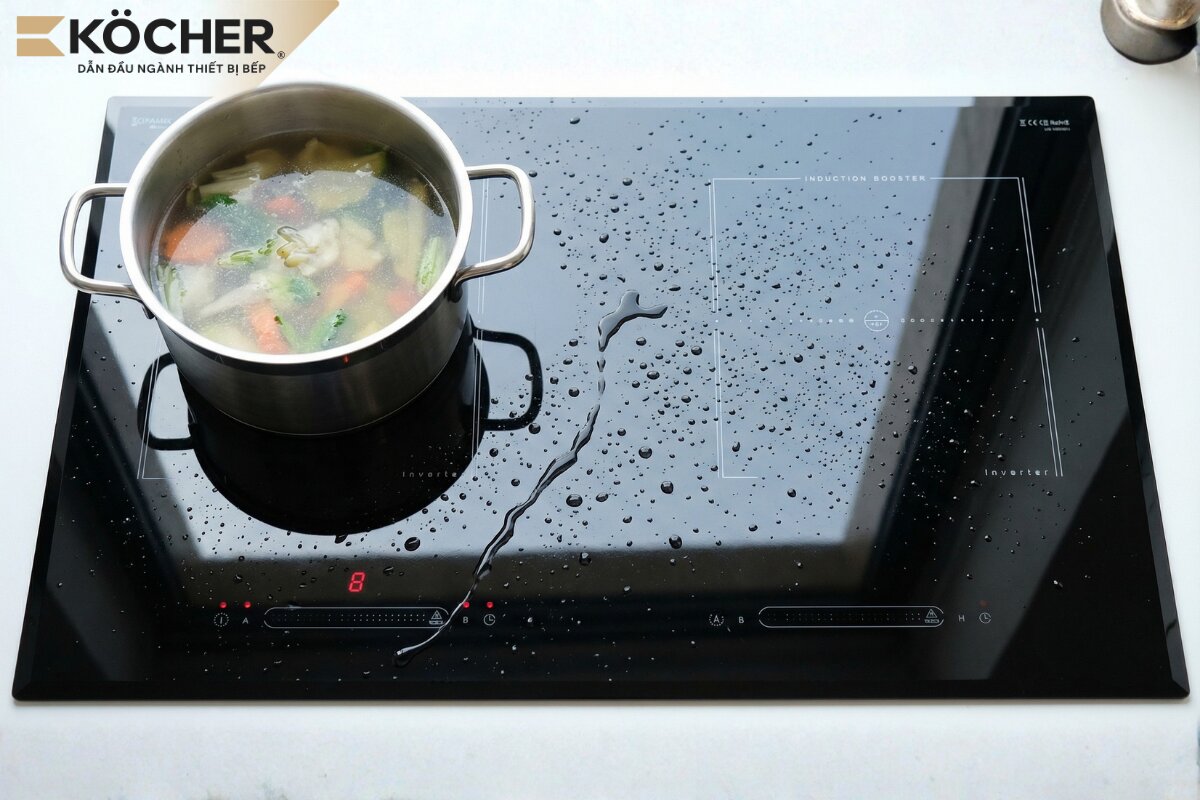
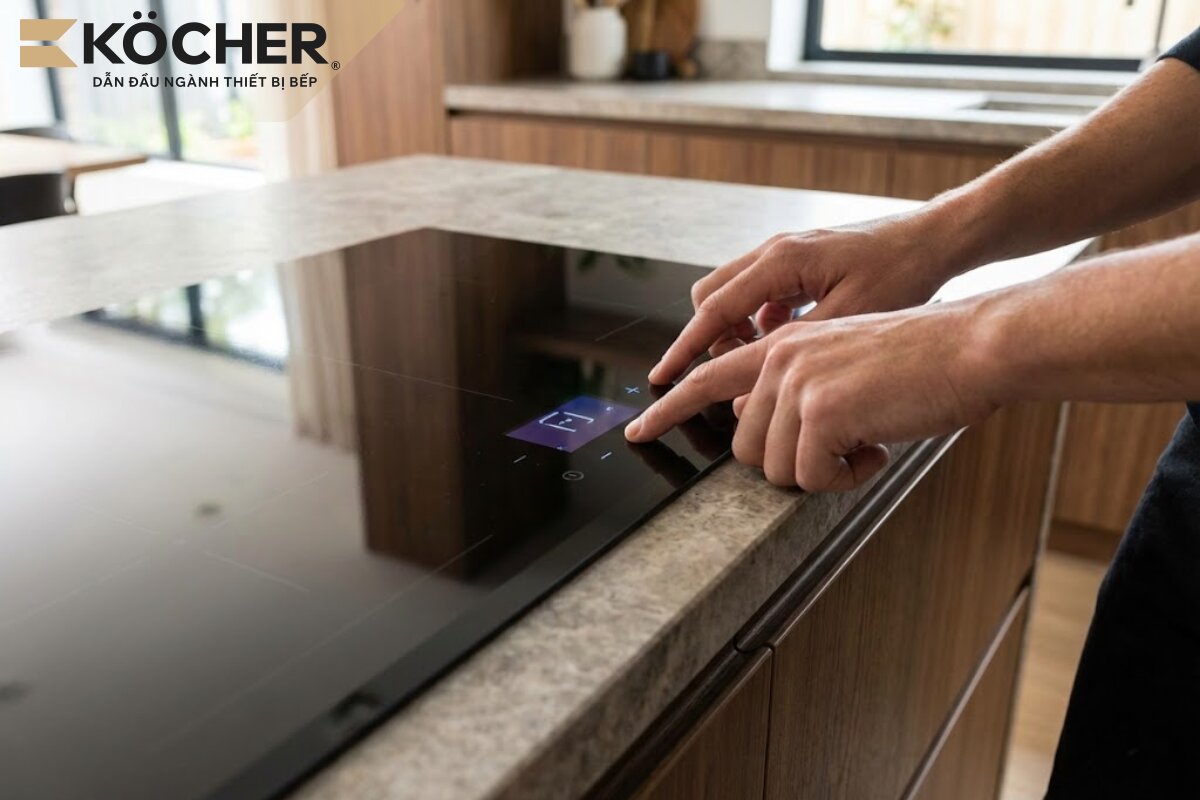
Press and hold the lock/key/P/K/CK button for 3 – 5 seconds
You just need to press and hold your fingertip directly on the function keys for about 3 to 5 seconds; when the beep sounds and the “LO” symbol on the LED screen disappears, the control panel has been completely unlocked. The applicable icons depend on the design of the control panel of each brand:
| Lock or key icon |
  |
| Fingerprint or hand icon |
  |
| Symbol “P” (Program) |  |
| Symbol “K” (Key) |  |
| Symbol “L” (Lock) |  |
| Symbol Lock |  |
In addition to the LO lock error, people are also interested in how to turn off the induction hob displaying “H” when the hob is still hot after cooking.
Use the key combination according to the manufacturer’s instructions
Some specific induction hobs do not have a separate lock button but require pressing and holding a key combination depending on the manufacturer, for example, the lock button and the power button or the “+” and “-” buttons. Please check the user manual that comes with the hob to determine the exact key combination for the model you are using.
Reset the system
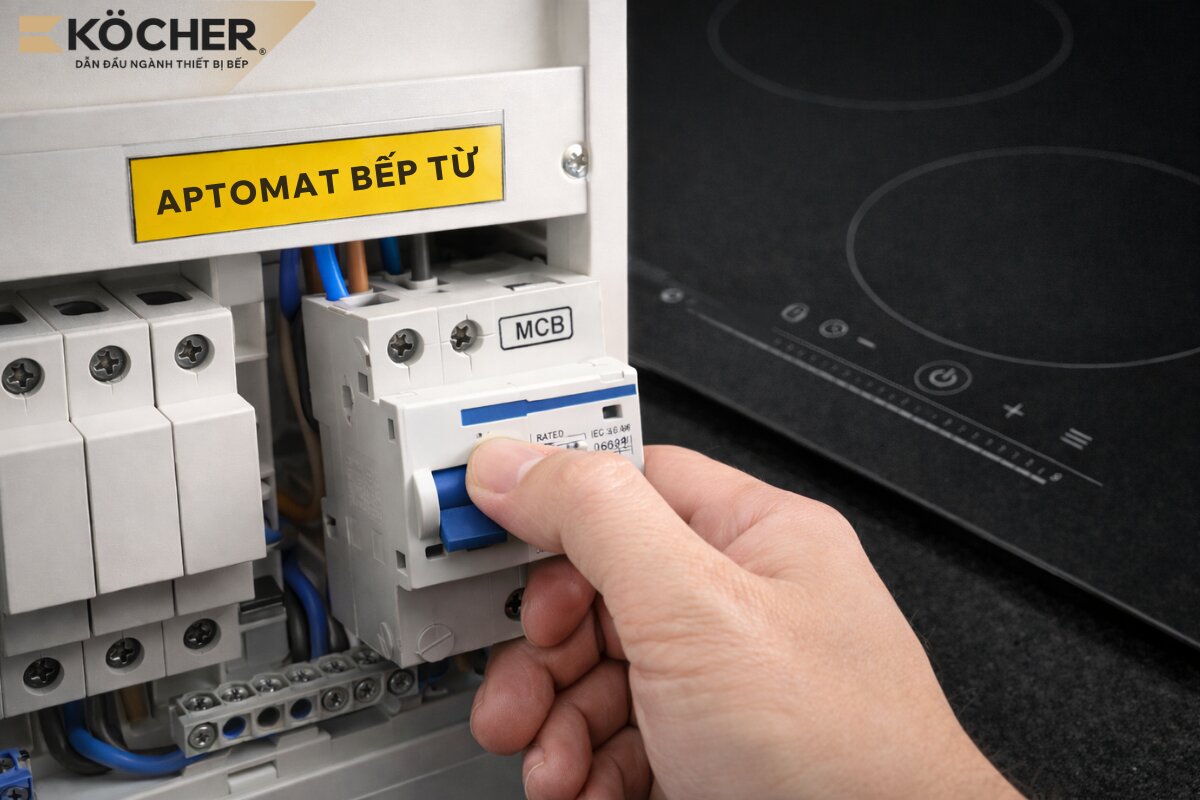
In case you have tried the above methods and the control panel is still frozen, proceed to reset the entire processing system. You need to disconnect the power supply to the hob and wait for about 30 – 60 seconds. The sudden power cut will force the processor to clear all temporary commands, including the child safety lock command; after restoring power, the hob will start in default mode.
However, if after restoring power the entire LED system and display remain dark and there is no startup sound, the device may have encountered a hardware error causing the induction hob not receiving power. At this point, you need to check the socket or the main circuit breaker of the hob.
Frequently asked questions about the “LO” displayed on the induction hob
Below are common questions from customers when inquiring about the “LO” displayed on the induction hob.
Is the induction hob displaying “LO” broken?
The induction hob displaying “LO” is not broken; “LO” is a symbol of the hob’s protective feature. However, if after following the unlocking procedure correctly the “LO” still does not disappear, or the hob continuously locks itself even though the glass surface is clean, then the control board may be experiencing issues.
Why does the induction hob lock itself when I haven’t pressed anything?
This phenomenon often occurs due to the glass surface having obstructions (such as a cloth, pots, or pans resting on the lock button) or due to high humidity causing water to accumulate on the control panel. In the X-Nano induction hob line from Köcher, thanks to the design requiring a press and hold of 4 – 10 seconds to activate the feature, the automatic locking phenomenon is minimized.
The induction hob is locked, but I can’t find the lock button, what should I do?
If the control panel does not have a clear lock icon, try looking for a button with the symbols “P”, “K” or “L”. If it still doesn’t work, the best option is to reset the system by disconnecting the power supply. To avoid this situation recurring, please keep the user manual or contact the manufacturer’s service center for in-depth technical support.
Does the induction hob being locked for a long time have any effects?
The hob can maintain a locked state for a long time without worrying about damage; you just need to perform the unlocking action when you want to continue using it.
Is there a way to permanently turn off the safety lock mode?
You cannot permanently turn off the safety lock mode. This feature is a mandatory part of the design of modern induction hobs to achieve international safety certifications (such as CE, GS), ensuring absolute safety for users and preventing the risk of children or pets accidentally activating the hob, causing fire.
How to minimize the situation of the induction hob displaying “LO”?
To minimize this situation, you should keep the hob surface clean, avoid touching the control panel during cooking, and prioritize using hobs with control panel designs that require holding actions instead of just touching. At the same time, ensure a stable power supply through a separate circuit breaker so that the sensor system always operates well, helping to prevent the device from automatically activating the lock command unintentionally.
In addition, maintaining a well-ventilated cooling system underneath the hob is also extremely important. If the kitchen cabinet space is sealed or accumulates too much dust, the temperature sensor system will signal an overload. In the case of the induction hob fan not running or being stuck due to lack of regular cleaning, hot air will not be able to escape, which can easily cause command errors in the system, causing the processor to automatically lock the control panel to protect the board.
In summary, the phenomenon of the induction hob displaying “LO” is not a dangerous technical error but simply the safety lock feature being activated. Understanding how to handle it will help you be more proactive in using and maintaining your kitchen equipment.
If you are looking for a high-quality induction hob that does not cause inconvenience when cooking due to accidental operations, please refer to Köcher’s products. Köcher is proud to provide durable and high-class cooking solutions for your family.
|
Köcher induction hob pioneers German technology – For detailed product information, please contact:
|