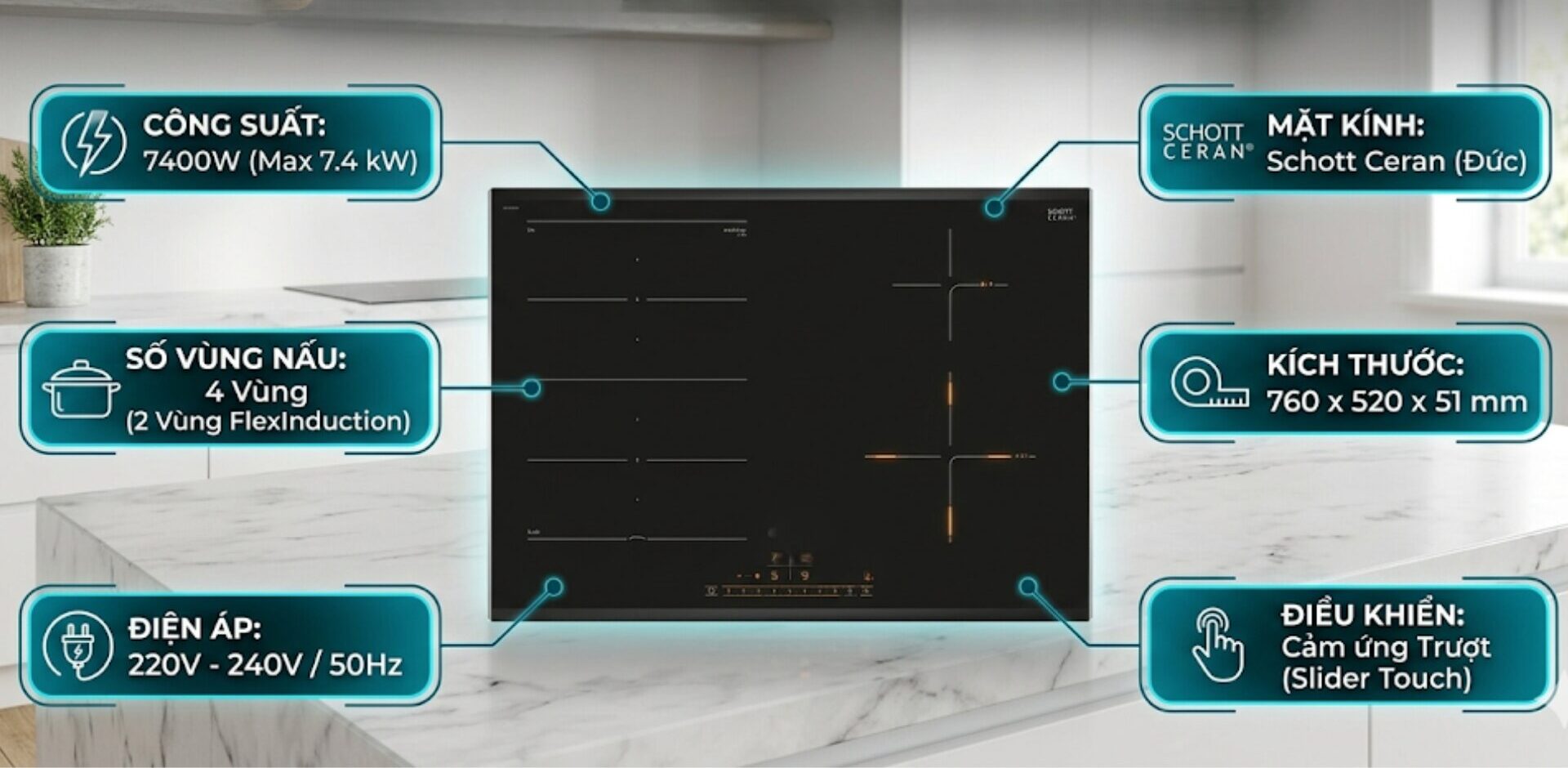
The phenomenon of induction cookers malfunctioning (random key presses, not responding to commands, or misinterpreting commands) is an issue that can occur during the use of the cooker. The article below will help you understand the causes, mechanisms of the error, and suggest appropriate solutions.
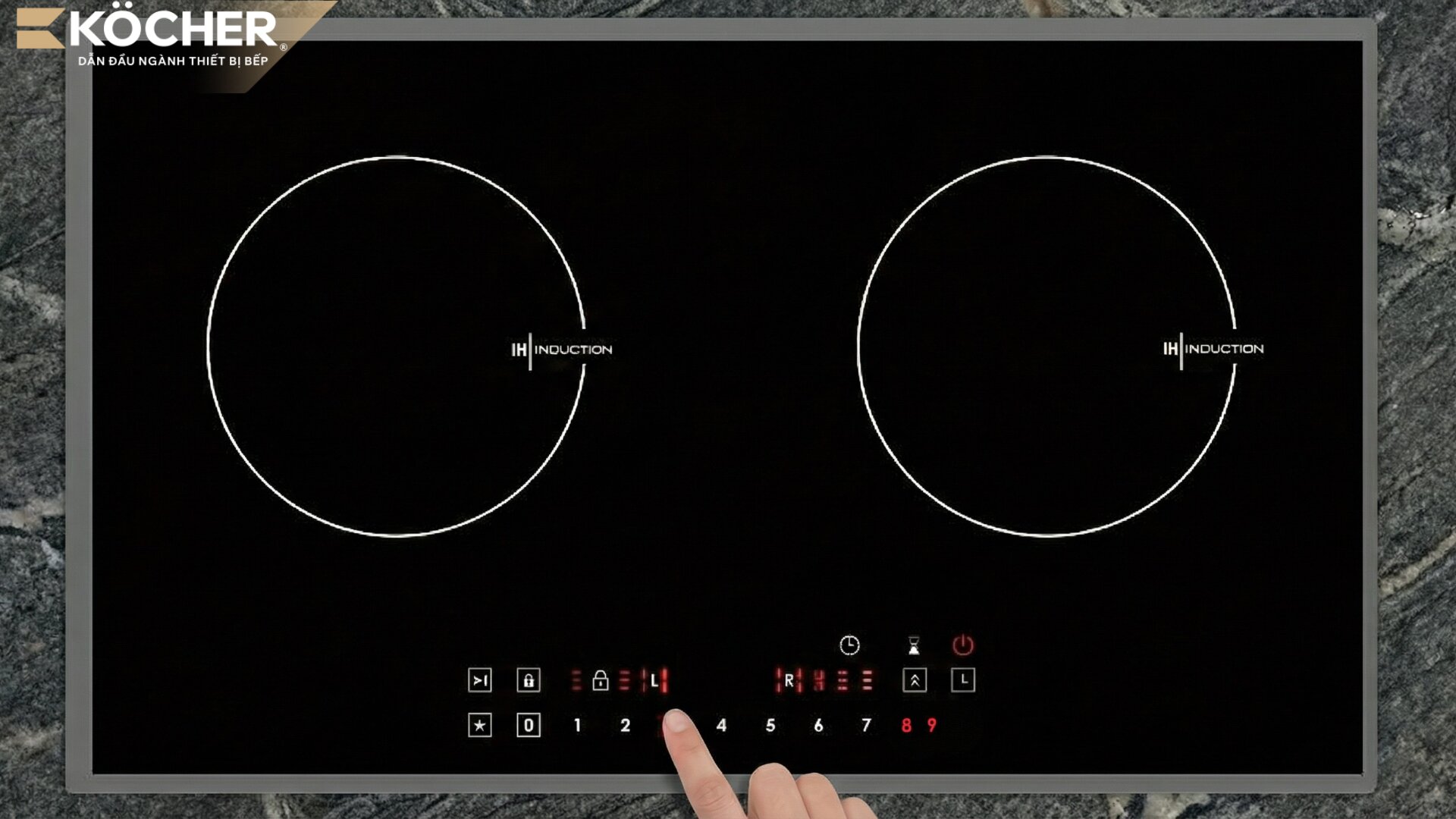
Causes of induction cookers malfunctioning
- The cooktop surface is wet or has food residue: The induction cooker’s control panel uses capacitive touch technology; when you touch it, your finger changes the capacitance, and the microprocessor recognizes that action. If the glass surface has water or grease, this condition also causes a change in capacitance similar to touching, creating noise signals that make the cooker prone to malfunction.
- User’s hands are wet: When your fingers are wet, the capacitive contact area will be diffused wider than normal. When you touch a key, the water on your hand may spread to adjacent keys, causing the microprocessor to mistakenly think you are pressing multiple commands at once. As a result, the control panel responds incorrectly, continuously pressing keys, or the cooker automatically switches to unwanted cooking modes due to noise in the capacitance signal.
- An object is pressing on the control panel: Items such as towels, spoons, wooden spatulas, or certain thicknesses of spilled food pressing on the touch key area create pressure or continuous changes in capacitance, causing the cooker to enter a state of “automatic key pressing” due to receiving false signals.
- The cooker is humid inside (circuit board moisture): An overly humid environment or water spilling into the cooker’s crevices over time causes the circuit board to become moist. Condensed moisture creates “conductive bridges” between component legs (surface electrical leakage), distorting voltage and noise signals sent to the microprocessor. This causes the cooker to activate phantom commands or operate erratically even when no one is touching the control panel.
- Interference from other electronic devices: Strong electromagnetic wave-emitting devices such as microwaves, mobile phones, or high-power speakers placed too close will create electromagnetic interference (EMI). This wave directly affects the operating frequency of the touch chip, distorting control signals.
- Incompatible or low-quality glass surface: Glass that is too thick or of poor quality makes it difficult for signals from the user’s hand to transmit to the sensor beneath the glass, causing erratic behavior, slow command recognition, or misidentifying the touch position. This error often occurs with cookers of unclear origin or those that have undergone repairs with low-quality components.
- Misaligned touch keys: Most induction cookers use conductive springs to transmit signals from the glass surface to the circuit board. When the cooker is hit or shaken violently, these springs can become misaligned from the center of the symbols on the glass. Therefore, when you press the correct symbol position, the command is not transmitted to the correct receiving point on the circuit board, causing interference. Understanding the control circuit diagram and the structure of the induction cooker of the new generation will help users recognize how mechanical components interact with the glass surface to avoid unnecessary impacts.
- Malfunctioning touch IC of the control panel: The touch IC is responsible for decoding signals from the user’s hand into digital commands. After prolonged use at high temperatures, the IC may age or have internal programming errors, leading to incorrect recognition of touch actions or automatically generating phantom commands.
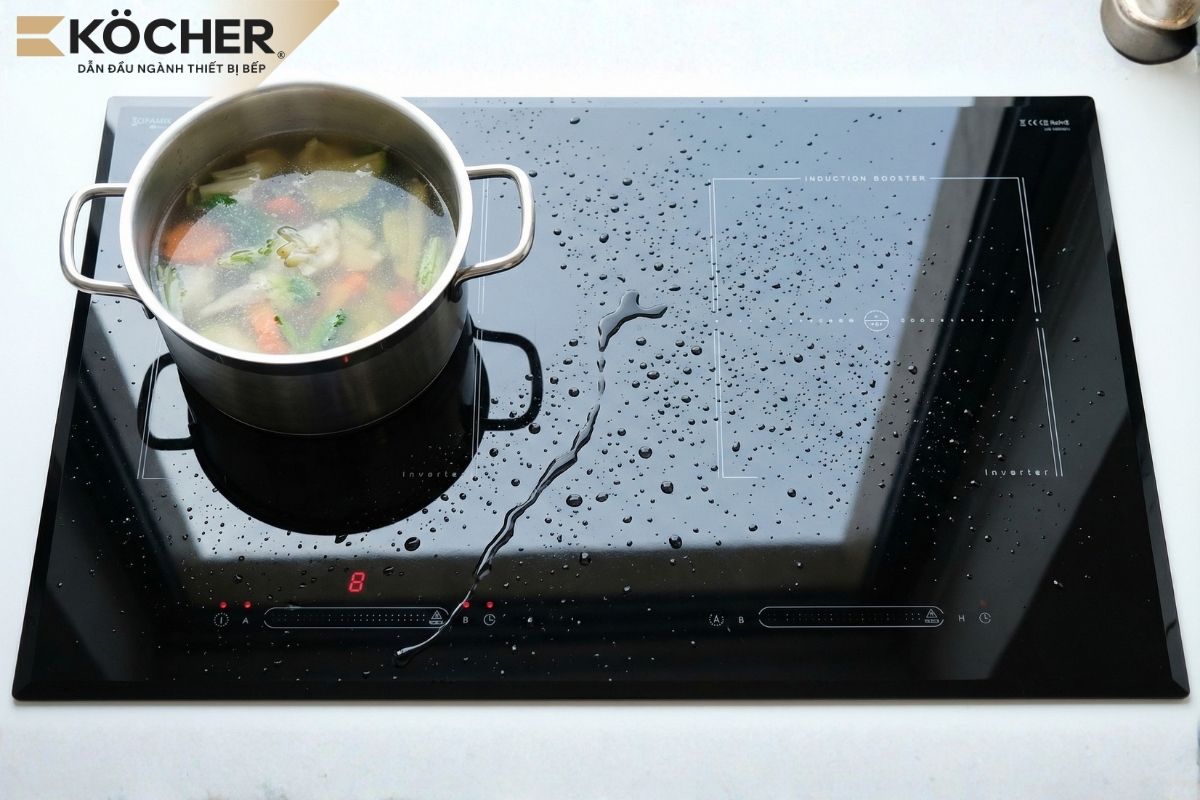
Solutions to fix malfunctioning induction cookers
- Clean the surface and dry your hands: Turn off the cooker, use a dry soft cloth to wipe off any water, grease, and food residue on the control panel. Always ensure your hands are completely dry before operating to avoid capacitance noise. Clean the cooker and keep your hands dry to address the malfunction issue.
- Clear the control panel: Remove any items (spoons, towels, cooking utensils) that are pressing on the touch key area. Clean any spilled food residues to eliminate false signals. Wipe off any food spills on the cooktop to prevent malfunction.
- Address moisture and electromagnetic interference: Disconnect the power, use a hairdryer (cool air mode) to gently dry the ventilation slots to release accumulated moisture. Move any interference-causing electronic devices (microwave, phone) at least 1 meter away from the cooker. Prioritize using cookers with EMC interference protection standards like the Köcher X-NANO 9. Move electronic devices away to avoid signal interference.
- Check the quality of the glass surface: Use cookers with genuine glass (Schott Ceran or Eurokera) to ensure sensitivity and accurate charge transmission. The EuroKera glass on Köcher induction cookers helps minimize malfunction issues.
- Technical intervention: For issues caused by misaligned springs or faulty touch IC/circuit board, contact a professional technician to adjust the springs or replace with genuine components. Have the technician check for issues related to the IC and internal components.
Note: Checking inside the cooker and replacing the touch IC should be performed by the manufacturer’s technical staff to ensure the compatibility of replacement components.
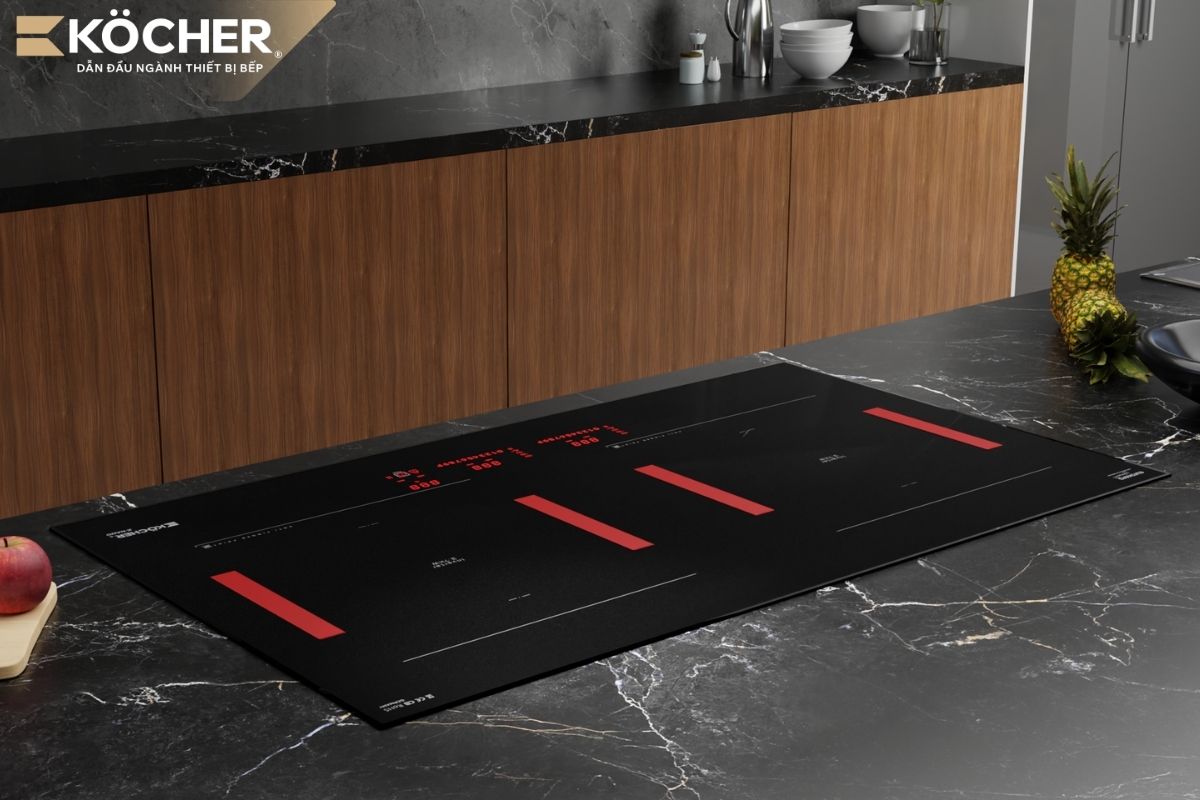 The X-NANO 9 induction cooker uses X-Nano scratch-resistant glass developed exclusively for Köcher induction cookers[/caption>
Notes when using the induction cooker control panel
To keep the touch control panel responsive and extend the lifespan of the circuit board, you should pay attention to the following points during daily use:
- Keep hands and the cooktop surface dry: This is the most important principle. Always use a dry cloth to wipe your hands before operating and ensure the control panel area is not wet or greasy for the most accurate capacitance signal transmission.
- Do not place items on the touch area: Absolutely do not develop the habit of placing pots, pans, knives, or towels on the control panel. This not only causes malfunction but can also lead to the cooker activating unwanted features, posing a danger.
- Operate gently and accurately: You only need to lightly touch the center of the function keys with your fingertip. Avoid applying too much force or using sharp objects (like fingernails, knife tips) to press keys as this may scratch the glass surface or affect the conductive springs underneath.
- Avoid food spills on the control panel: During cooking, pay attention to adjust the temperature to prevent food from spilling. If spills occur and hard residues stick for a long time, refer to the guide on how to handle a burned induction cooktop using specialized scraping tools and neutral cleaning solutions to restore the glass surface to its original smooth state, ensuring no water or dirt residue seeps into the crevices causing moisture issues.
- Regular cleaning with specialized solutions: Use glass cleaners or specialized induction cooker cleaning solutions to completely remove stubborn grease buildup. A clean glass surface will help the sensor recognize commands much faster.
- Keep distance from interference-causing devices: Do not place a charging phone, microwave, or strong broadcasting devices too close to the control panel area while the cooker is in operation to avoid electromagnetic interference.
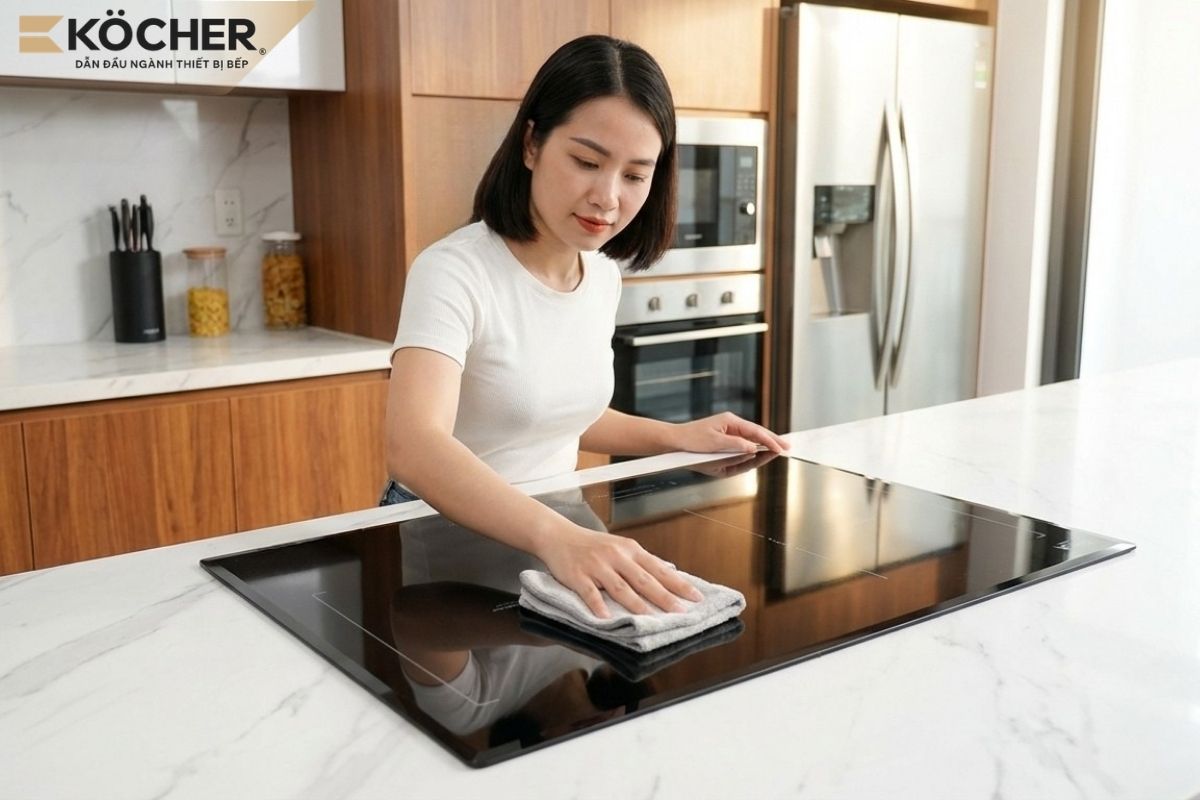 Wipe off food spills on the cooktop to avoid malfunction[/caption>
Above are some common causes of induction cookers malfunctioning and suggested corresponding solutions. We hope these guidelines will help you proactively handle these situations simply at home.
Additionally, to ensure long-lasting durability, users should pay attention to purchasing devices that possess high-quality induction cooktop glass. You may consider choosing the X-NANO induction cooker product line from Köcher such as X-NANO 9, X-NANO 8, X-NANO 7, X-NANO 6 PRO which uses X-NANO frosted glass from EuroKera (France) developed exclusively for Köcher induction cookers with scratch resistance five times greater, effectively resisting fingerprints and grease, helping to minimize malfunction issues.
|
Köcher induction cookers pioneer German technology – For detailed product information, please contact:
|